Guide #25
Service Catalog Operations
Manage standardized service items used across proposals, invoices, and recurring billing.
Service Catalog Operations
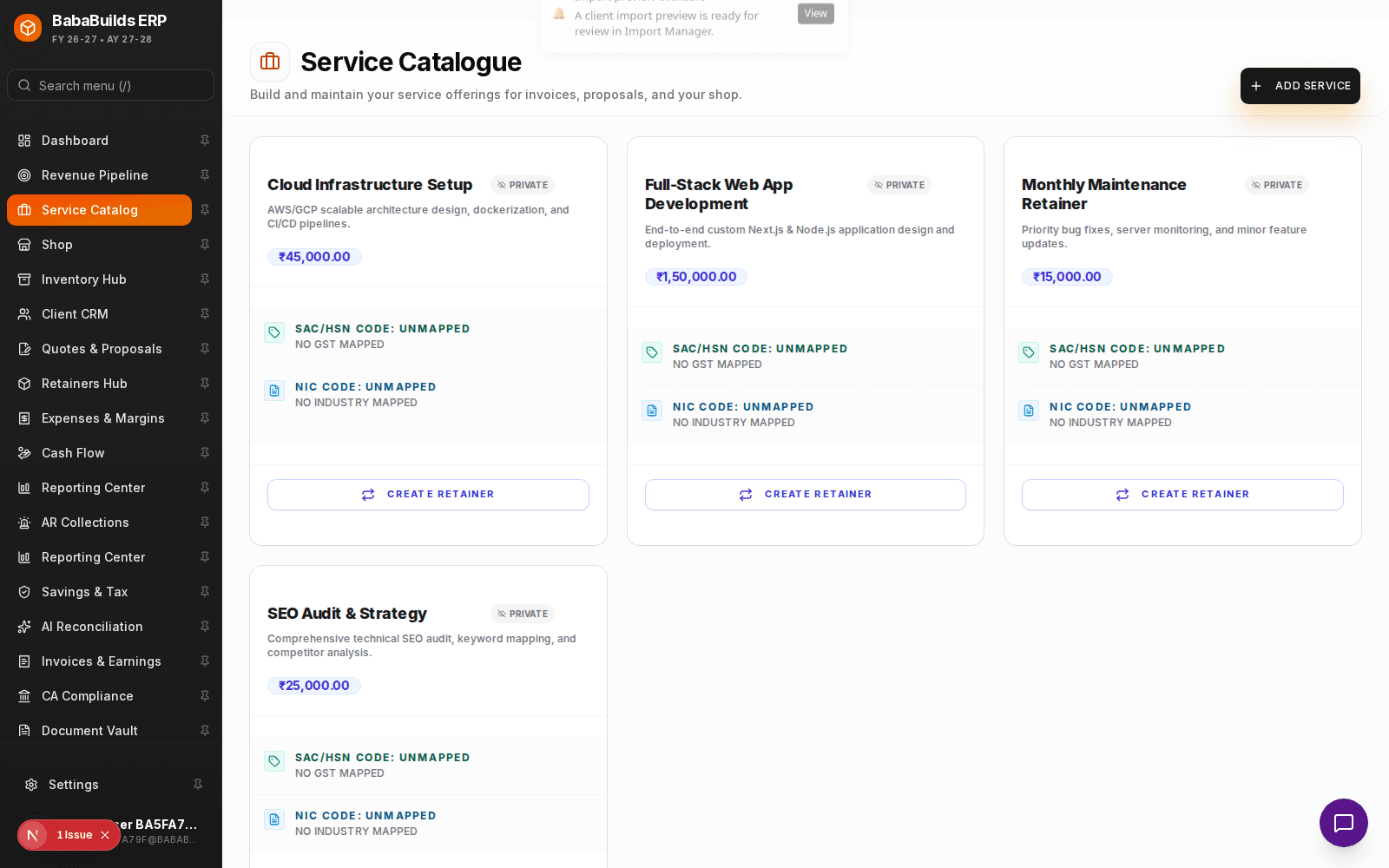
The Service Catalog is your controlled pricing and scope library. Instead of typing out line items, descriptions, and prices every time you draft an invoice or proposal, you can pull predefined services from this catalog. This ensures pricing consistency and speeds up billing operations.
Building Your Catalog
A well-structured catalog makes onboarding new team members easier, as they don't have to guess how much to charge for standard services.
Access the Catalog
Navigate to Service Catalog from the sidebar.
Add a Service
Click to create a new service template.
Define Scope and Price
Enter a clear, client-facing title, a detailed description of the deliverables, and the standard unit price.
Set Default Taxes
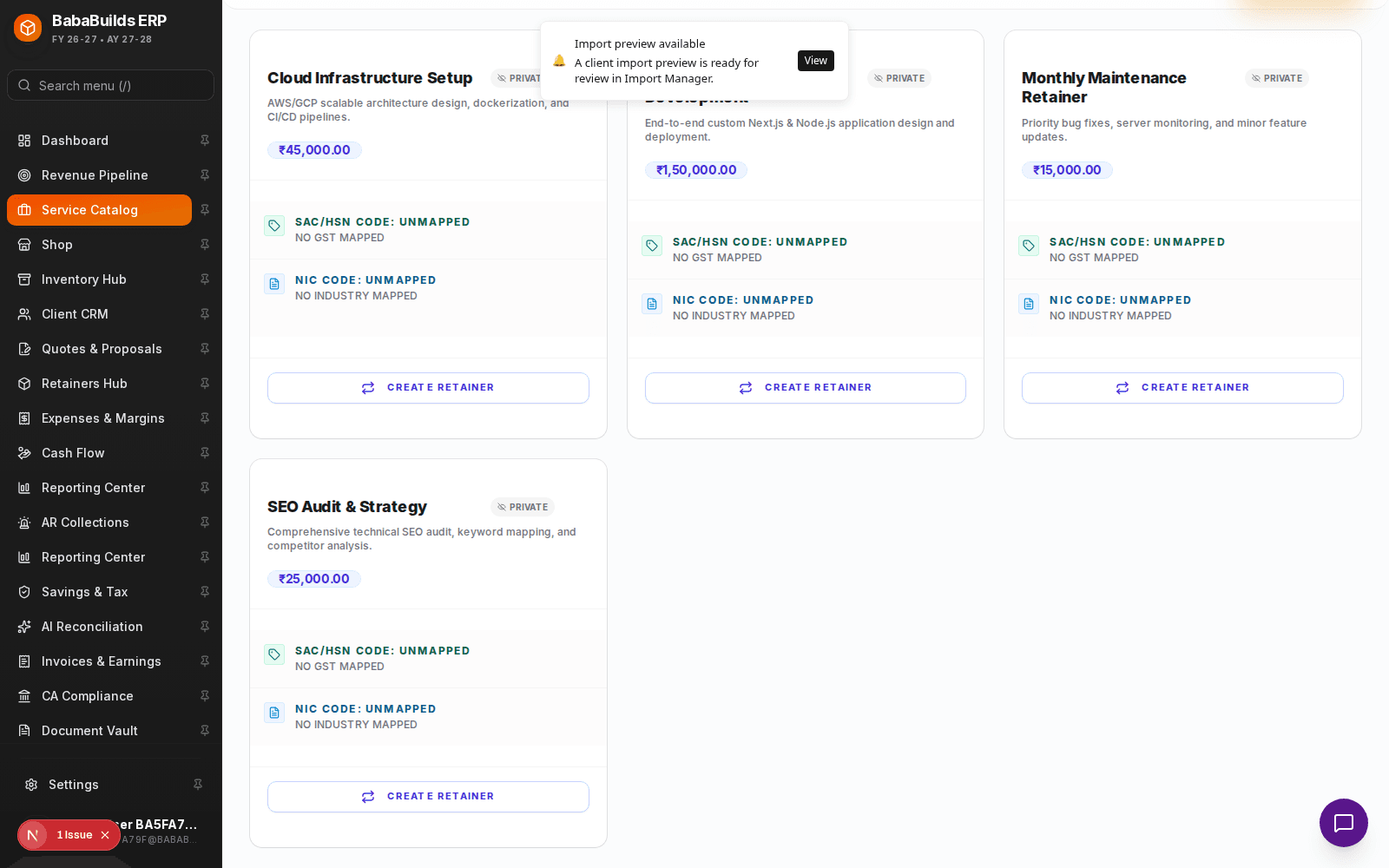
Assign the default tax code (e.g., standard GST/VAT rate) that applies to this specific service.
Detailed Service Control
For more advanced setups, you can define different billing models within the catalog.
- Fixed Price vs Hourly: Define whether the service is billed as a flat fee or requires a quantity (hours) to be inputted on the invoice.
- Internal Notes: Add notes that are visible only to your team, not the client, such as standard turnaround times or required resources.
Best Practices
Do
- Keep descriptions clear and outcome-focused. Example: "Monthly SEO Optimization including 4 blog posts and 1 technical audit."
- Review and update your prices annually to account for inflation and increased business value.
Don't
- Create overly granular items that clutter the catalog (e.g., "Phone call - 15 mins", "Phone call - 30 mins"). Use a single hourly consultation rate instead.
- Leave tax codes blank, as this will force manual entry during invoicing.
FAQ
If I update a price in the catalog, does it change previously sent invoices?
No. Past invoices are immutable records. Price updates will only apply to new invoices drafted after the change.
Can I override the catalog price on a specific invoice?
Yes. The catalog provides the default template, but you can always manually adjust the price or description on the invoice draft before sending it to a client.
Was this helpful?
Your feedback improves the Help Center for everyone.
No personal data required. Keep feedback focused on the workflow.
Still have questions?
Our support team is just an email away.