Guide #16
Optional Module: Cash Flow
Enable Cash Flow for forecast snapshots, scenario planning, and liquidity monitoring.
Optional Module: Cash Flow
The Cash Flow module helps you predict liquidity risk. By analyzing historical trends and scheduled future transactions, it compares your planned vs. expected inflows and outflows.
Forecasting and Scenario Planning
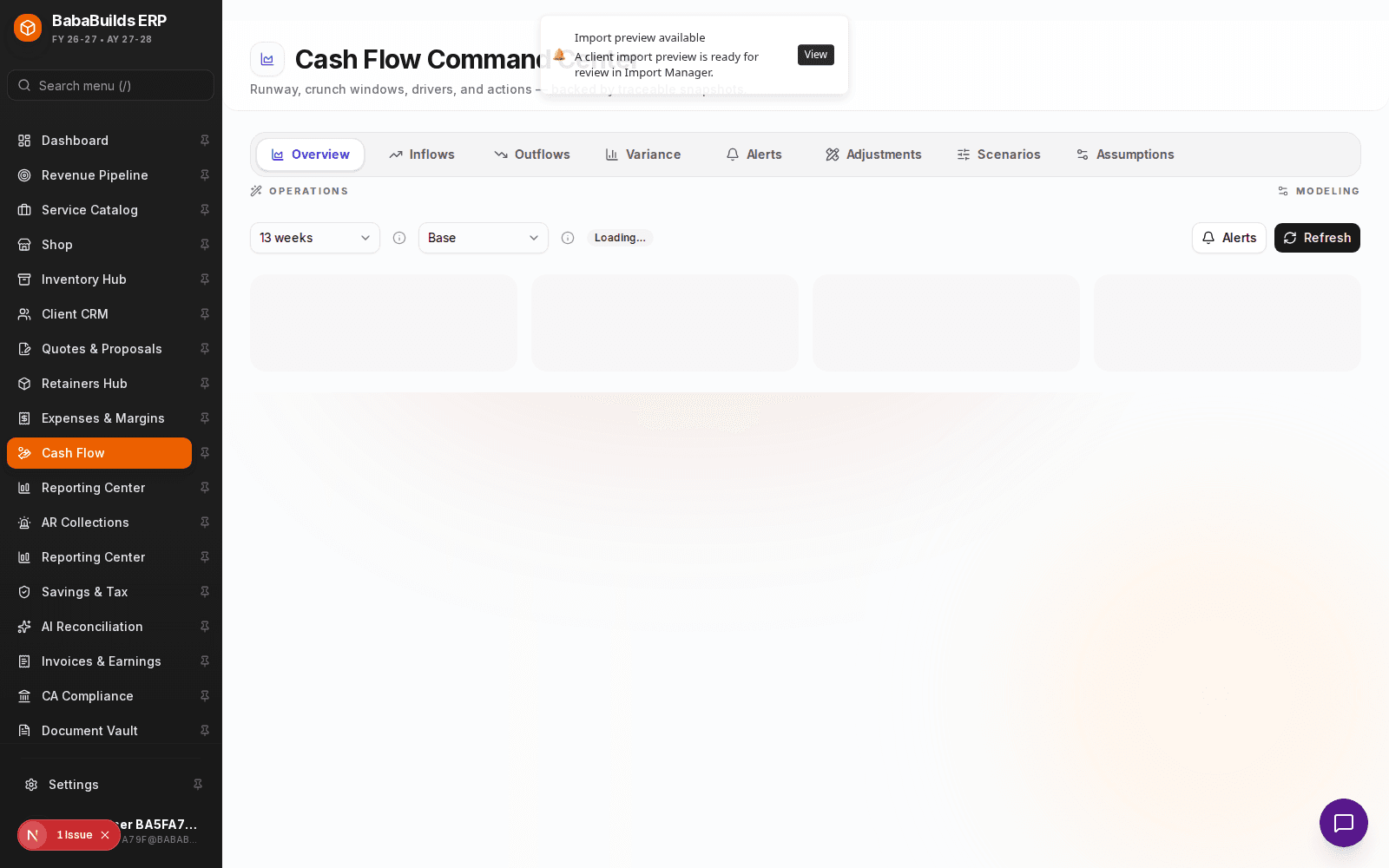
Enable the Module
Toggle on Cash Flow in Settings > Workspace Modules.
Set Baseline Parameters
Define your starting cash balances across your operating accounts.
Run a Scenario
Use the scenario planner to see how potential future events (e.g., losing a major retainer, or hiring three new staff) will impact your runway over the next 6-12 months.
Analyzing Variance
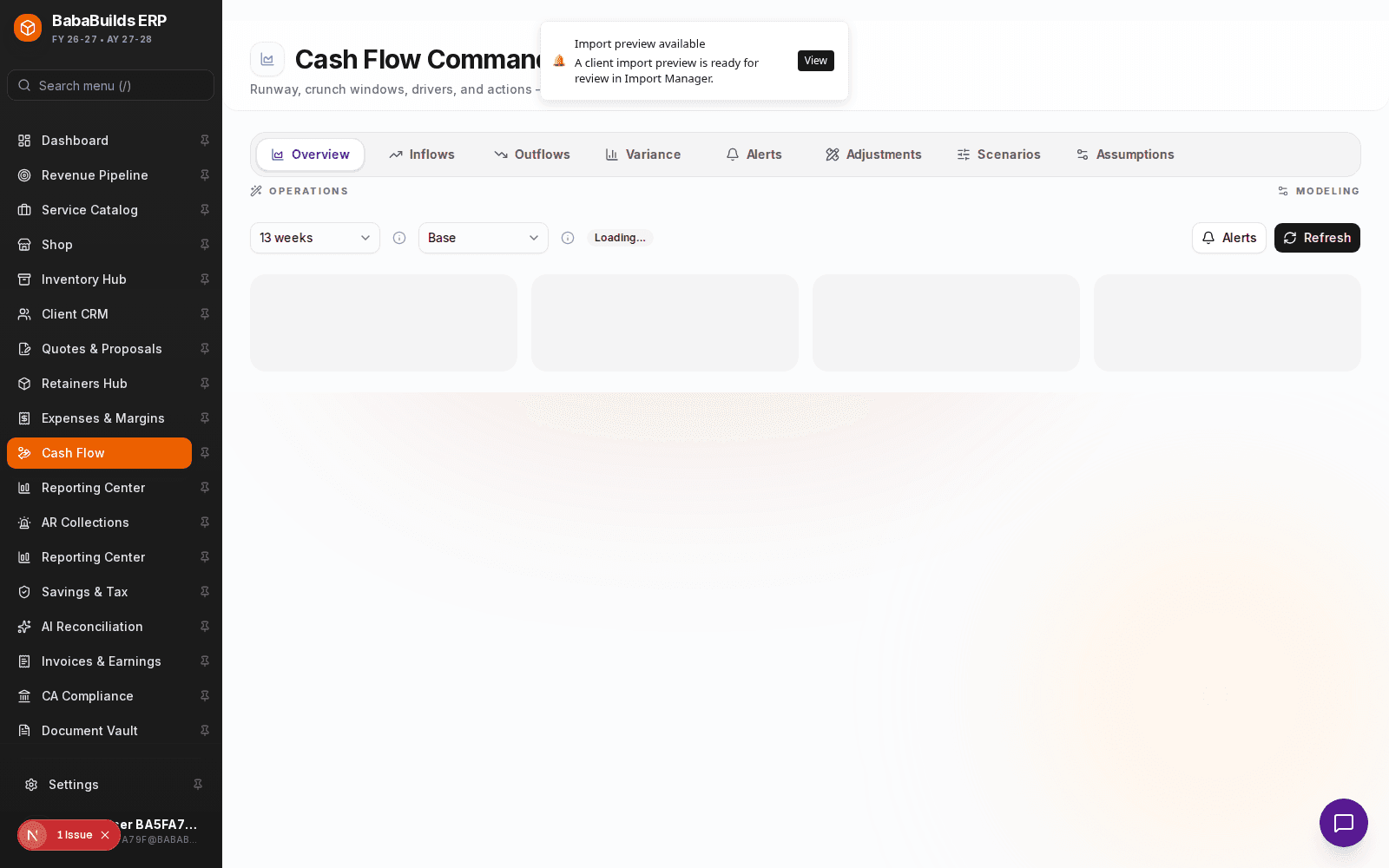
- Expected vs. Actual: The system automatically highlights variances where actual cash collected fell short of the forecasted amount for the month.
- Liquidity Alerts: Receive warnings if your forecasted cash drops below a designated safety threshold within the upcoming 90 days.
Best Practices
Do
- Keep your expected payment dates on invoices realistic. If a client always pays 15 days late, adjust their expected date so the forecast is accurate.
- Update your baseline operating account balances at least monthly to reconcile the forecast with reality.
Don't
- Ignore recurring operating expenses (like rent and payroll) in your manual scenarios; these form the baseline of your cash burn.
Was this helpful?
Your feedback improves the Help Center for everyone.
No personal data required. Keep feedback focused on the workflow.
Still have questions?
Our support team is just an email away.