Guide #7
Tracking Expenses, Deductions, and Tax Readiness
Operational playbook for expense capture, deduction tracking, and tax-readiness workflows backed by ERP metrics and AI prompts.
Tracking Expenses, Deductions, and Tax Readiness
Use this flow to keep financial records clean and always audit-ready. Tracking expenses as they occur rather than at the end of the year ensures you never miss a deduction and your profit margins are accurate in real-time.
Tax scope: BabaBuilds provides tax-ready invoicing and compliance workflows. Country-pack verification determines whether filing automation claims are appropriate in your region.
See also: Tax Engine Scope & Country-Pack Verification
Expense Tracking Workflow
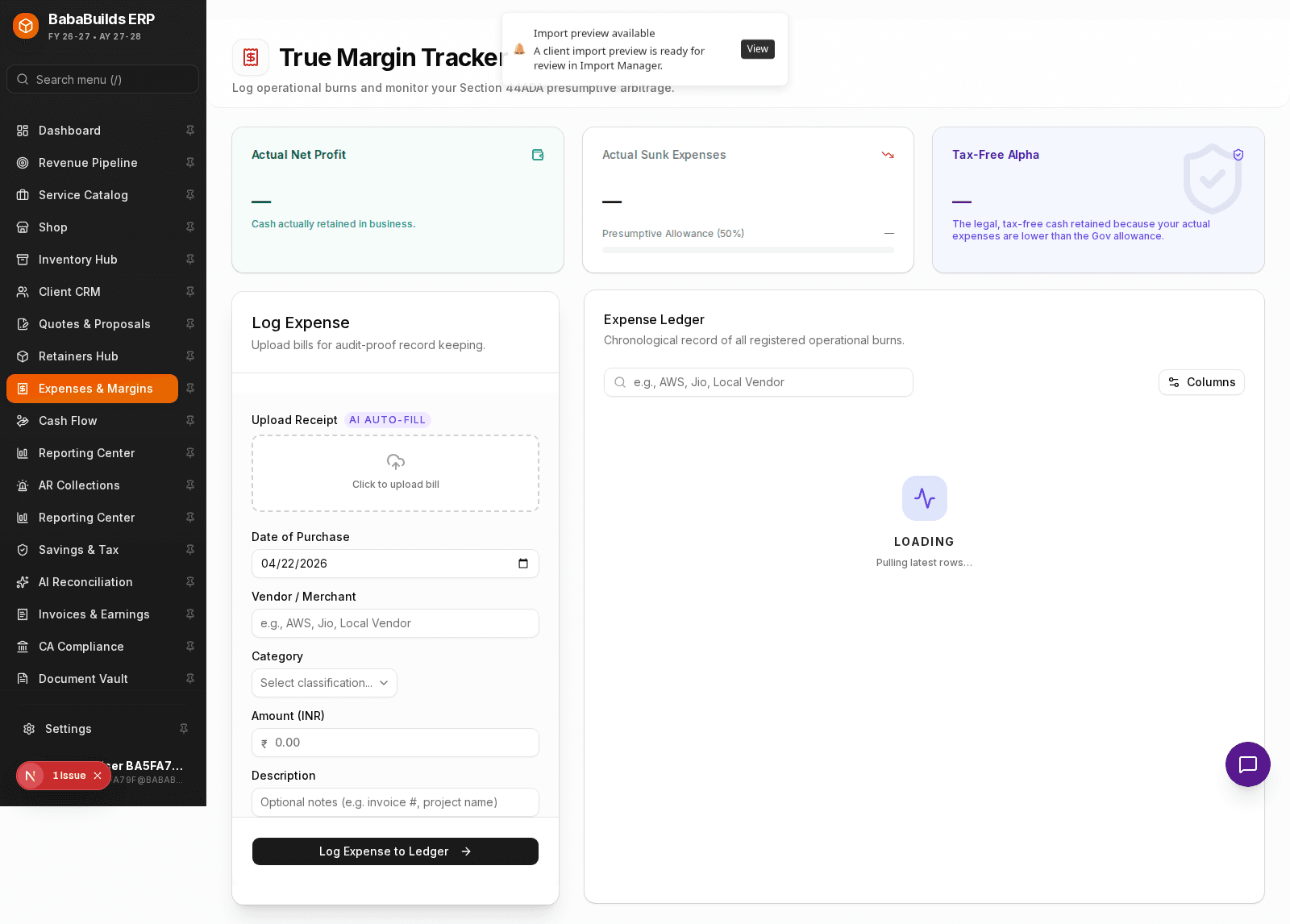
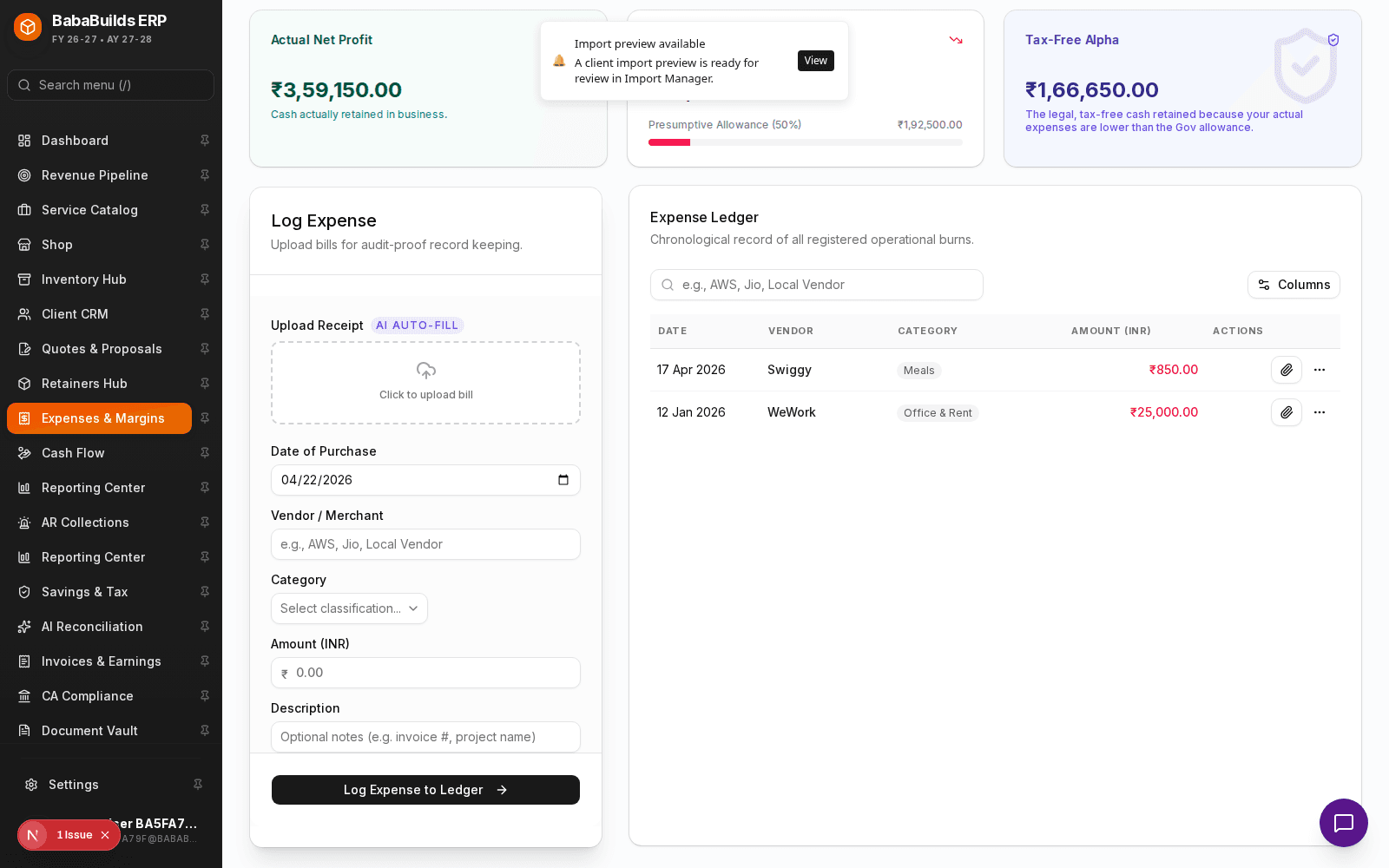
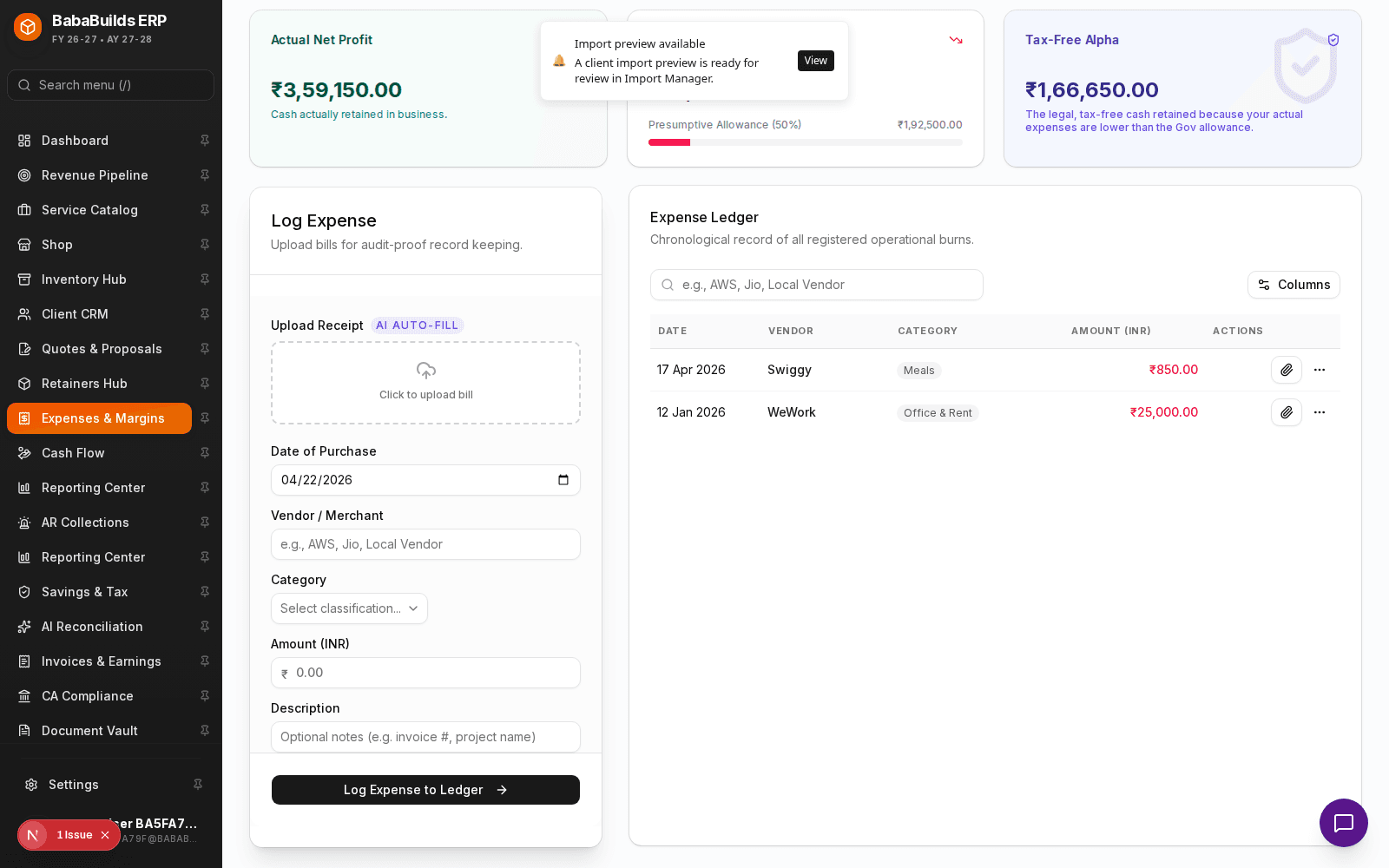
Your expense dashboard shows your total outward cash flow, categorized so you can identify where your money is going.
Open the Expenses Module
Navigate to Expenses from the sidebar.
Log a New Expense
Click the button to log a new expense.
Categorize the Spend
Assign the expense to a category (e.g., Software Subscriptions, Travel, Office Supplies). Proper categorization is vital for tax deductions.
Attach Proof
Upload the receipt or invoice document. This ensures your records are audit-proof.
Tax Readiness
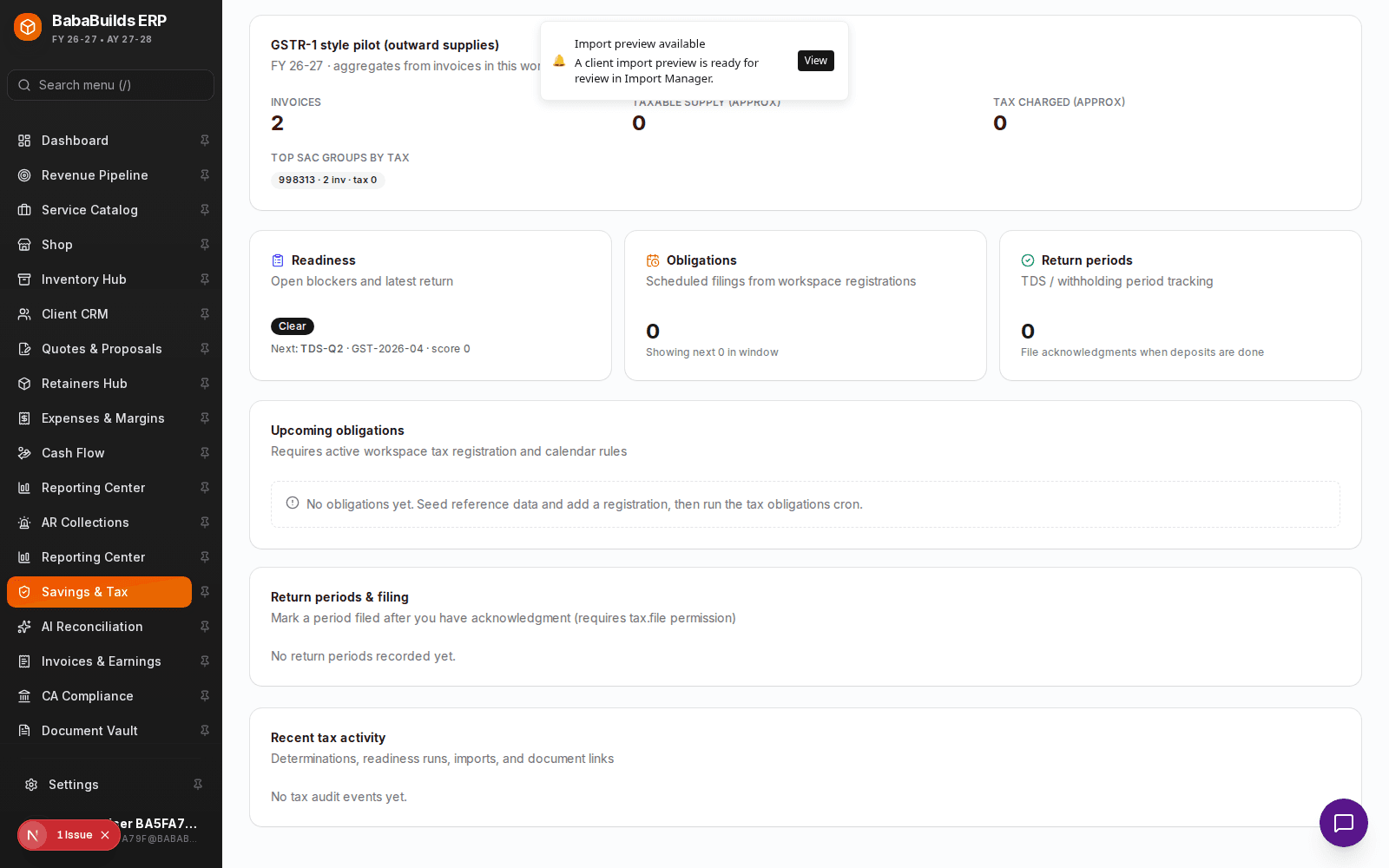
The tax module aggregates your invoiced income and categorized expenses to give you a real-time estimate of your tax liabilities.
Review Income vs Deductions
Check the summary showing your gross revenue minus deductible expenses to arrive at your taxable income estimate.
Export for Accountant
At the end of the quarter or financial year, export your categorized ledger to share with your CA or accounting professional.
Best Practices
Do
- Log expenses weekly to prevent a backlog.
- Always attach a digital copy of the receipt; ink on physical receipts fades over time.
Don't
- Mix personal and business expenses. If you accidentally pay for a business expense with a personal card, log it as an owner contribution/reimbursement.
- Wait until tax season to classify your expenses.
Troubleshooting
| Problem | Likely reason | Fix | |---|---|---| | Expense not showing in tax deductions | Wrong category selected | Ensure the expense category is marked as tax-deductible in the master settings. | | Cannot upload receipt | File size too large | Compress your PDF or image to under 5MB before uploading. |
Was this helpful?
Your feedback improves the Help Center for everyone.
No personal data required. Keep feedback focused on the workflow.
Still have questions?
Our support team is just an email away.