Guide #15
Optional Module: Document Vault
Enable Document Vault to centralize uploads, OCR extraction, and record linking for audits.
Optional Module: Document Vault
Document Vault provides centralized evidence management with OCR capabilities. It allows you to link contracts, receipts, and compliance documents directly to the relevant records (like clients or expenses) for a fully audit-proof workspace.
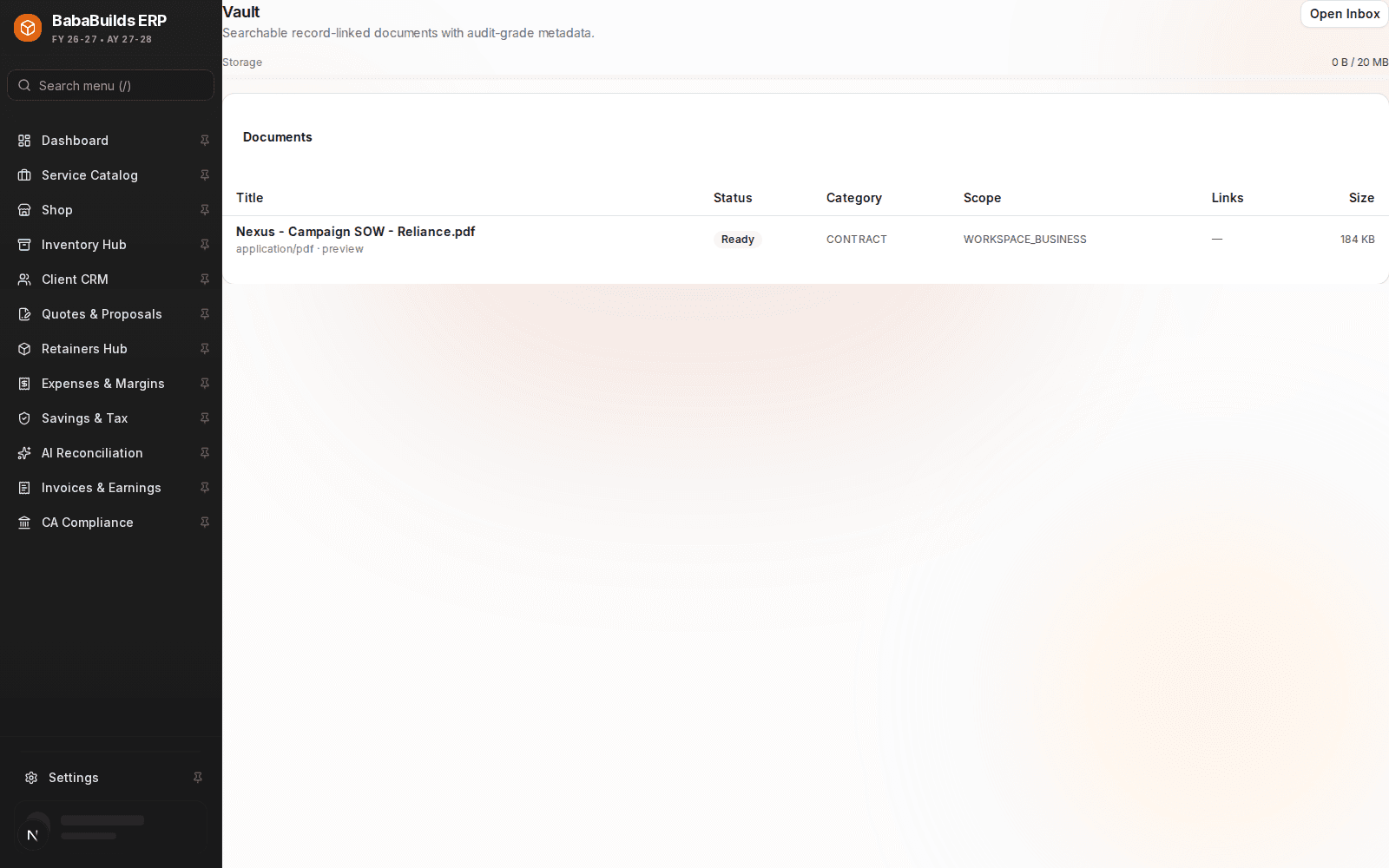
Uploading and Linking Documents
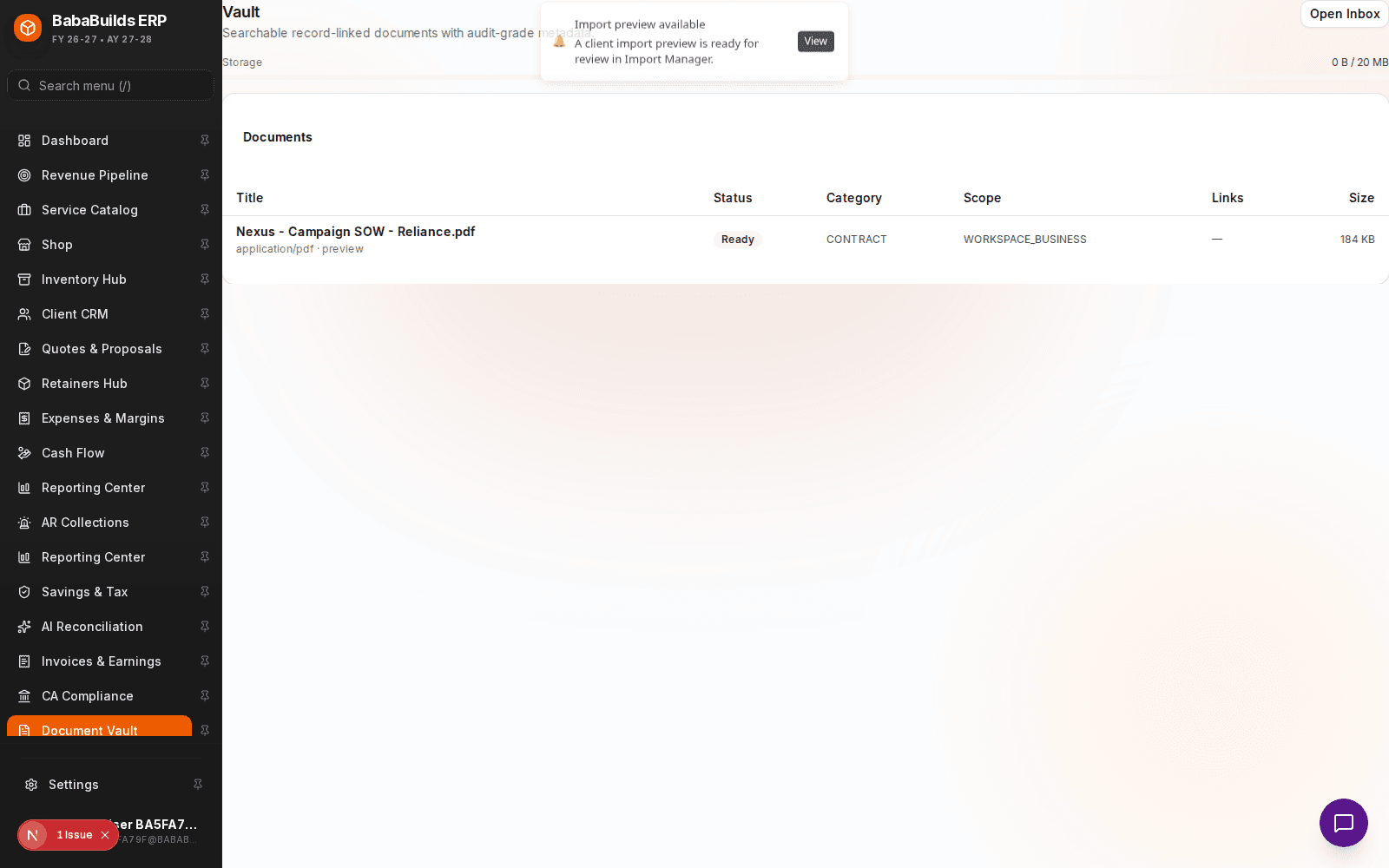
Enable the Module
Toggle on Document Vault in Settings > Workspace Modules.
Upload Files
Drag and drop PDFs, images, or spreadsheets into the intake queue.
Classify and Link
Tag the document type (e.g., Vendor Contract, Tax ID Proof) and link it to the corresponding Client or Expense record.
Utilizing OCR Extraction
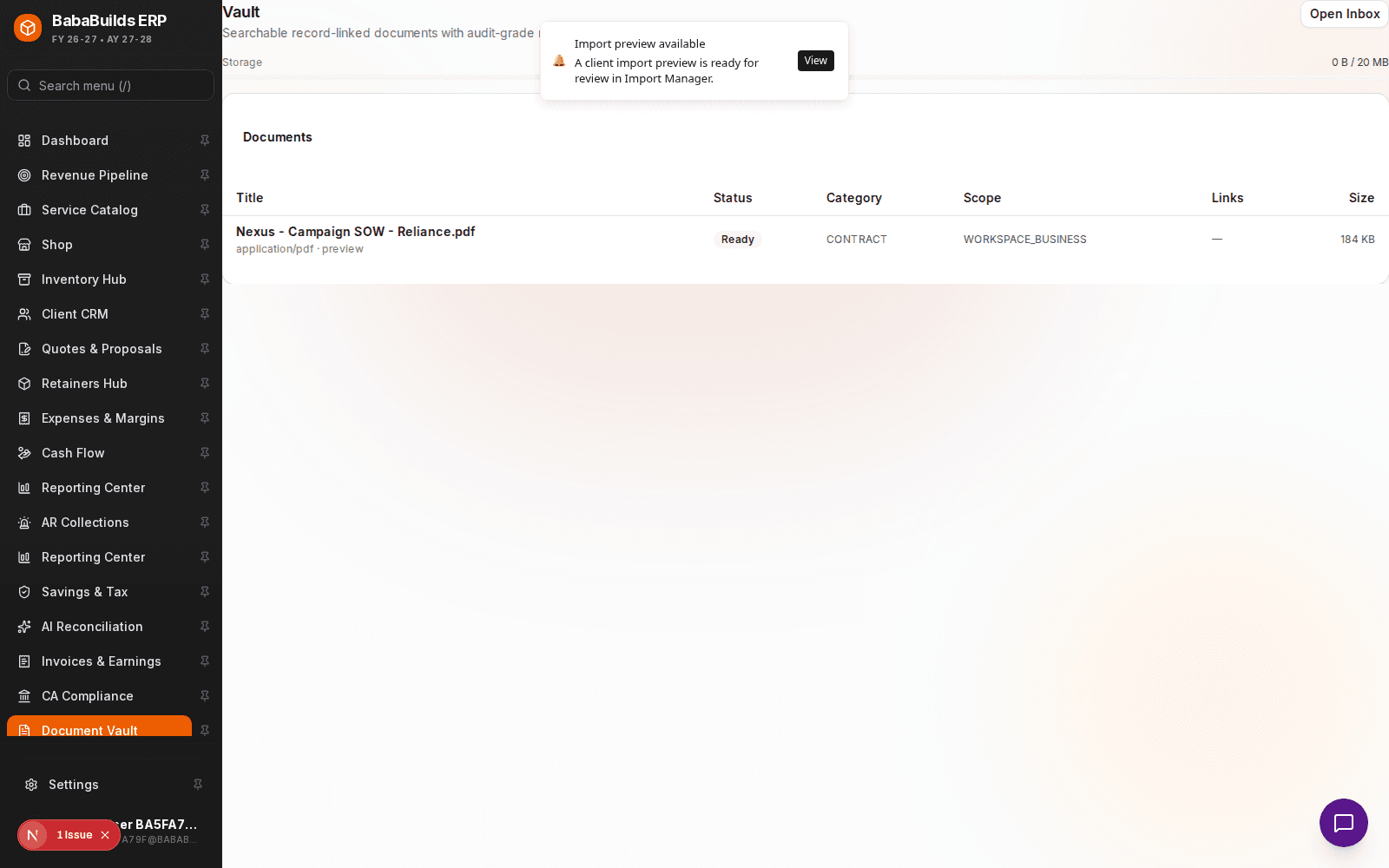
For standard document types like receipts, the Vault uses OCR (Optical Character Recognition) to automatically suggest the date, amount, and vendor, reducing manual data entry.
Best Practices
Do
- Establish a consistent naming convention for uploaded files before tagging them.
- Periodically clear the "Intake Queue" by either linking documents or deleting irrelevant uploads.
Don't
- Upload files containing highly sensitive PII (Personally Identifiable Information) unless strictly necessary for compliance, as this increases your data liability.
Was this helpful?
Your feedback improves the Help Center for everyone.
No personal data required. Keep feedback focused on the workflow.
Still have questions?
Our support team is just an email away.