Guide #27
Inventory Hub Operations
Track inventory state, stock movement, and procurement context for operational planning.
Inventory Hub Operations
The Inventory Hub centralizes your stock posture, providing real-time visibility into stock movement, procurement needs, and fulfillment status to prevent stockouts and over-ordering.
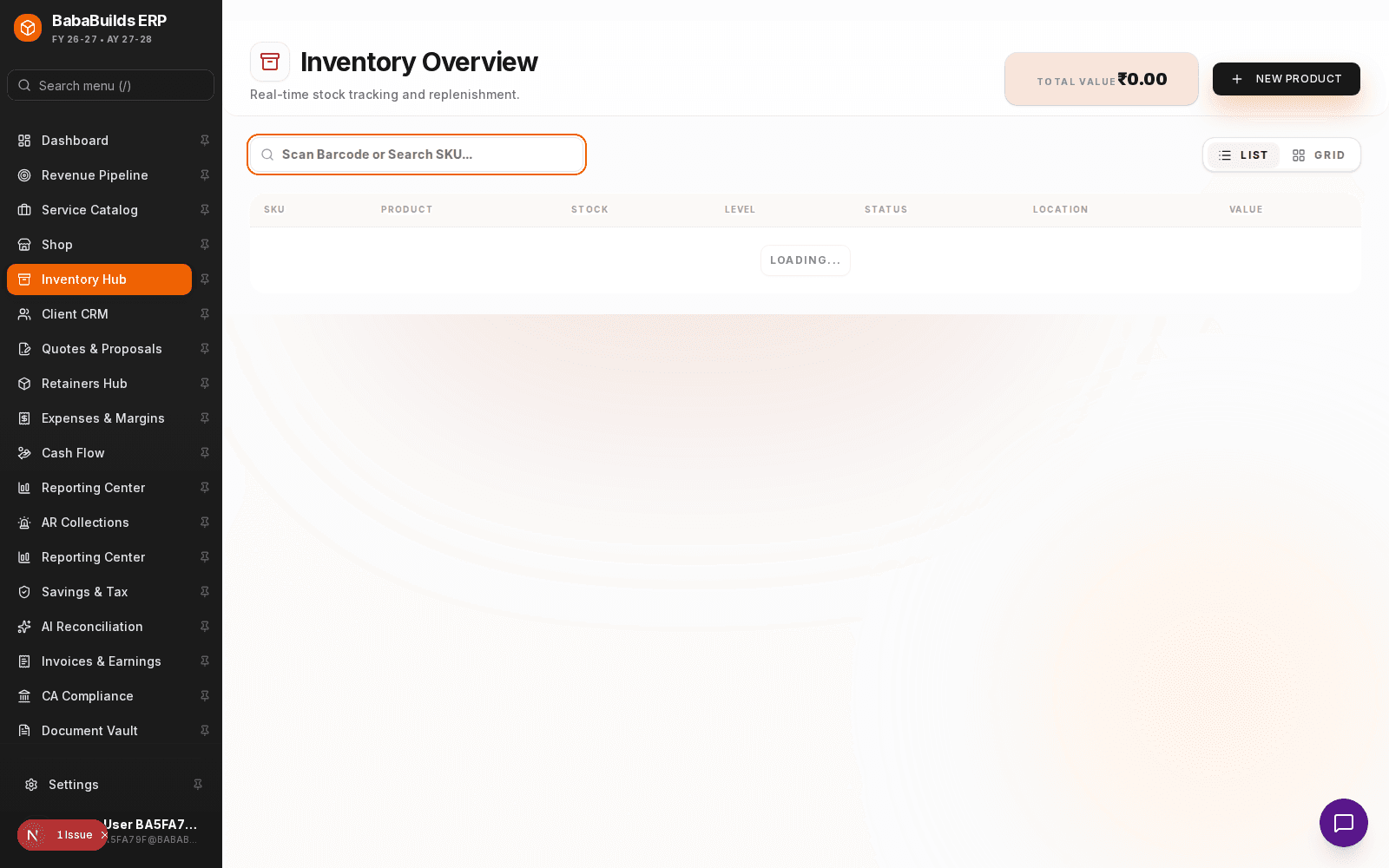
Tracking Stock Movement
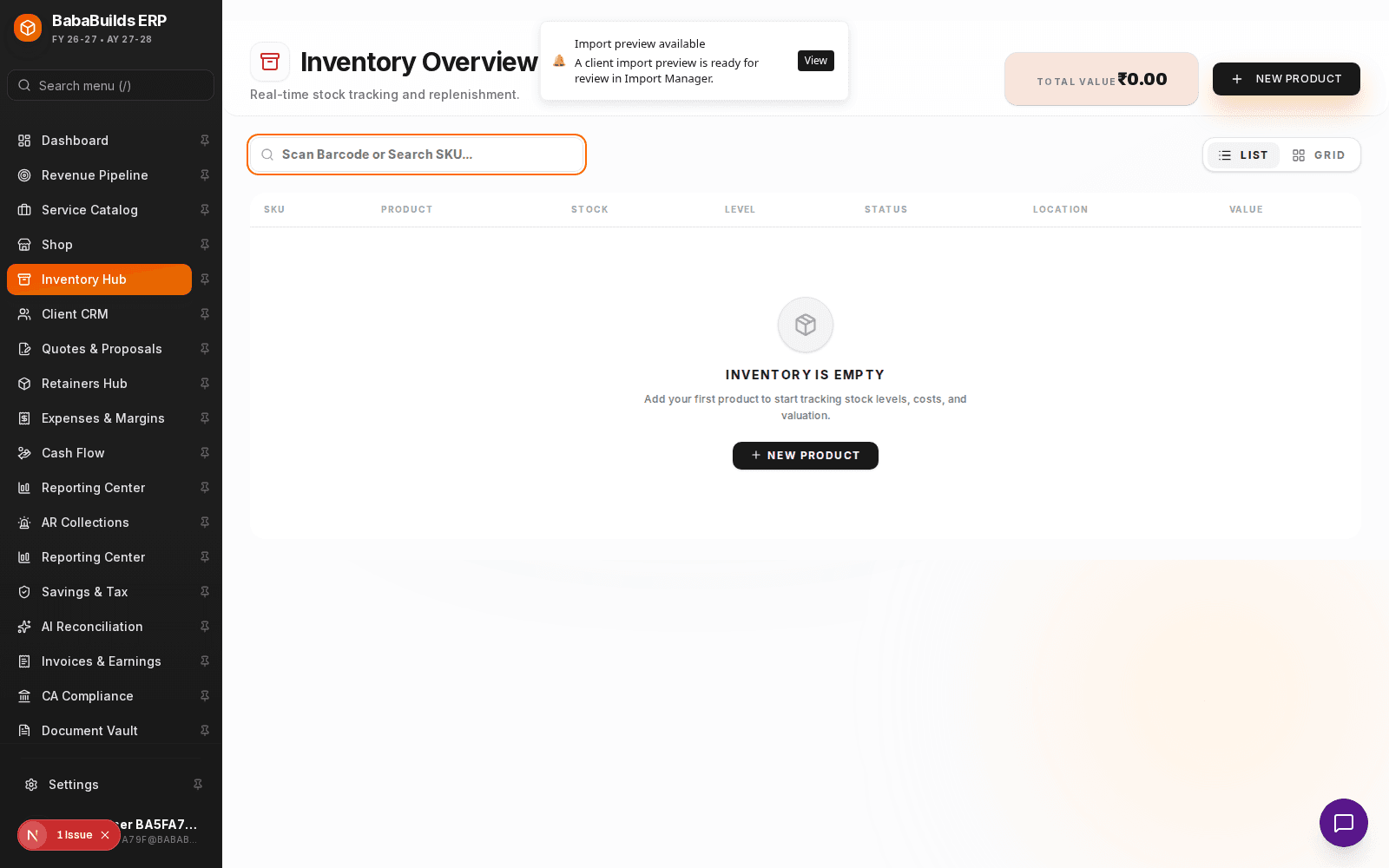
Access Inventory Hub
Navigate to Inventory in the sidebar.
Add or Update Items
Create new SKUs or update existing inventory counts. You can set minimum stock thresholds for automatic reorder alerts.
Log Stock Adjustments
Record manual adjustments for damages, shrinkage, or promotional giveaways to keep your ledger accurate.
Procurement Context
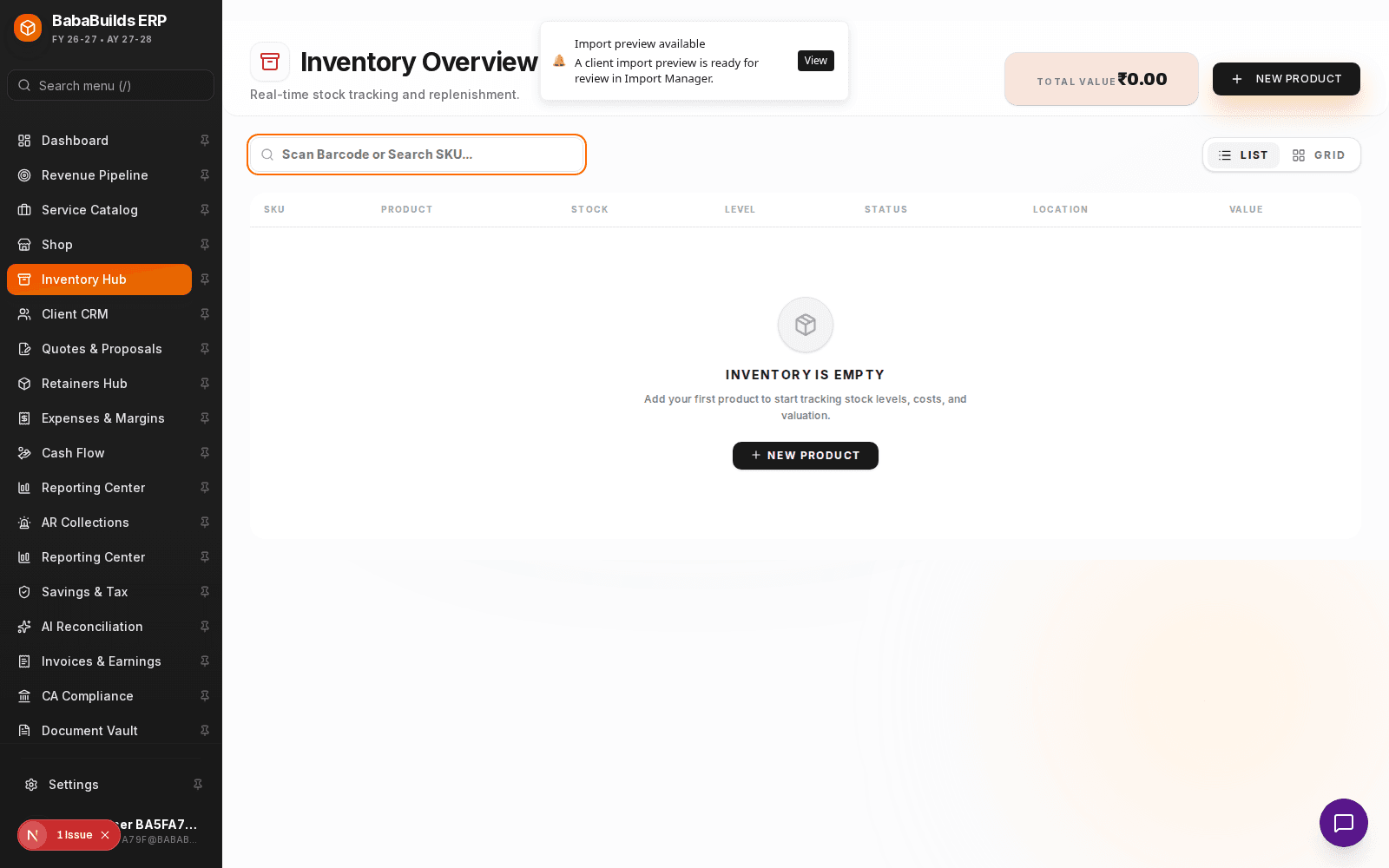
- Low Stock Alerts: Items that drop below their defined minimum threshold will appear in the dashboard action queue.
- Purchase Orders: Link inventory items directly to Purchase Orders to track incoming shipments and update stock automatically upon receipt.
Best Practices
Do
- Perform a physical cycle count at least quarterly to reconcile the digital ledger with physical reality.
- Use standardized SKU naming conventions to make searching and reporting easier.
Don't
- Allow negative stock balances. If a sale occurs but the system says zero stock, fix the inventory count before generating the final invoice.
Was this helpful?
Your feedback improves the Help Center for everyone.
No personal data required. Keep feedback focused on the workflow.
Still have questions?
Our support team is just an email away.