Guide #28
Quotes & Proposals Operations
Manage proposal lifecycle from drafting to conversion and payment readiness.
Quotes & Proposals Operations
This module allows you to draft, send, track, and convert professional quotes and proposals into actionable invoices with a single click, eliminating double data entry.
Drafting a Proposal
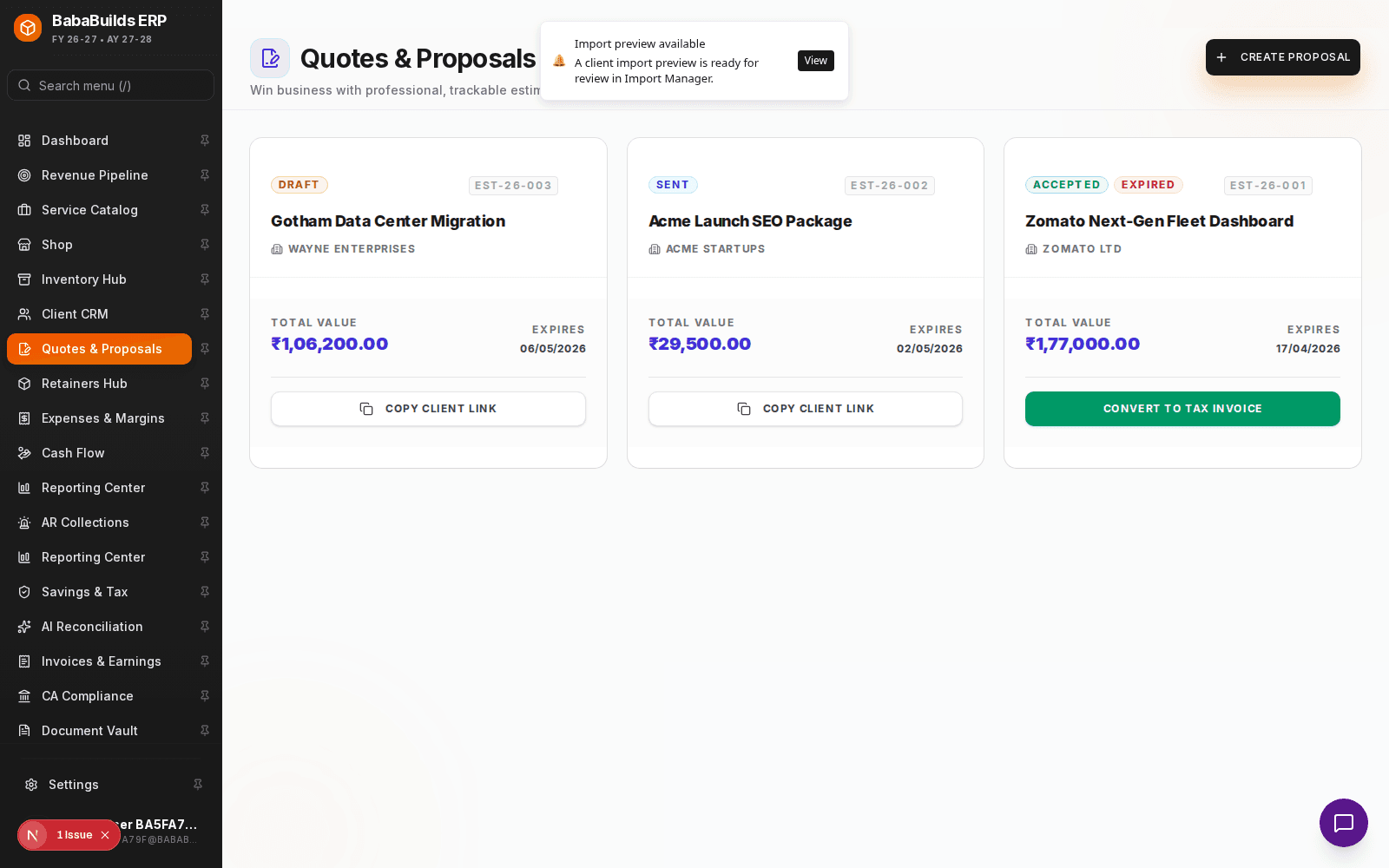
Create a New Quote
Navigate to Quotes & Proposals and click to create a new draft.
Add Scope and Pricing
Select the client and pull deliverables directly from your Service Catalog to ensure pricing consistency.
Set Expiry Date
Add a validity period (e.g., "Quote valid for 30 days") to create urgency and protect yourself from future price changes.
Send to Client
Generate the PDF or send a digital link directly from the ERP.
Converting to Revenue
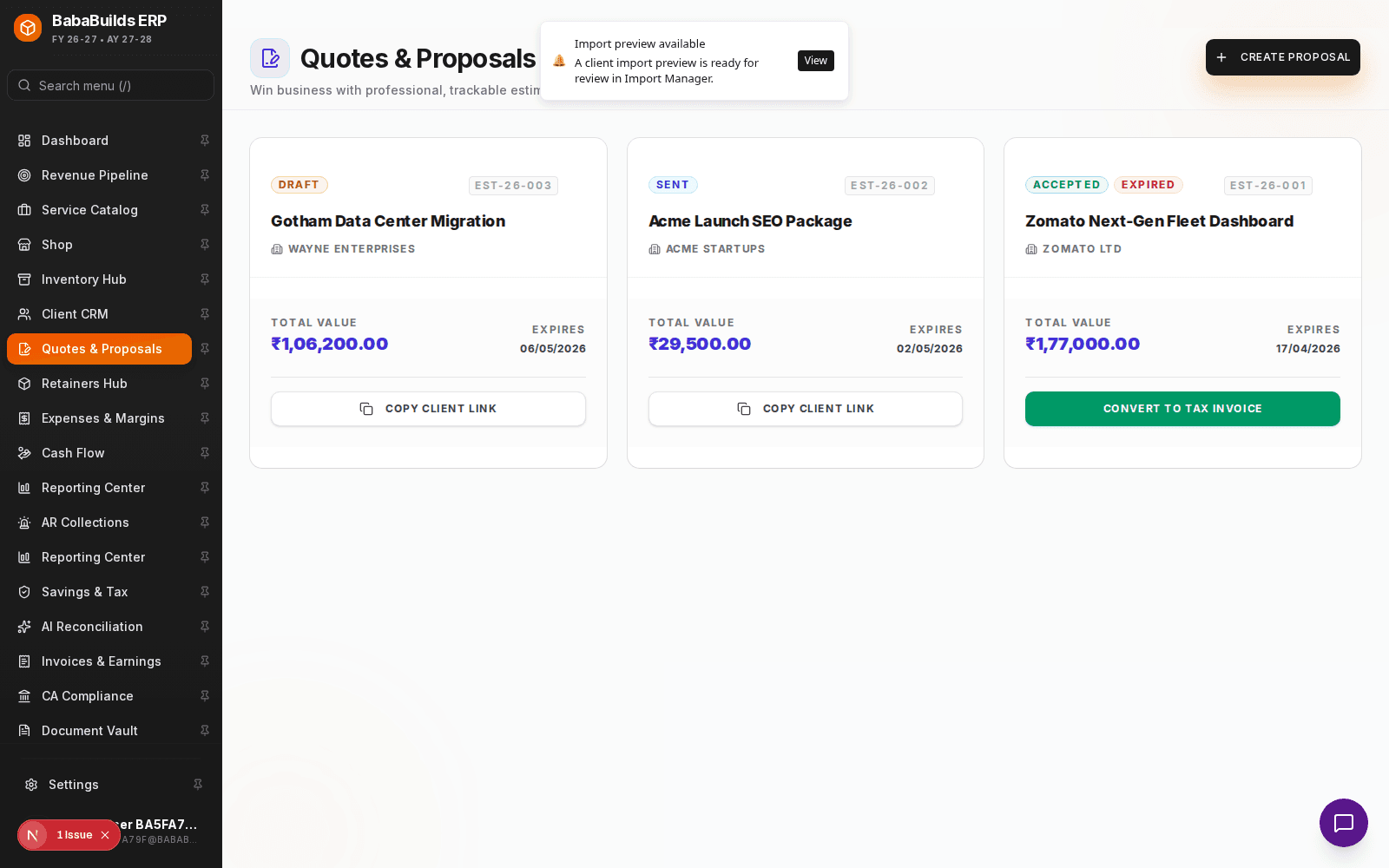
- One-Click Conversion: Once a client approves a quote, click "Convert to Invoice". The system will automatically generate a draft invoice matching the exact scope and pricing of the quote.
- Pipeline Tracking: Quotes in the "Sent" status automatically update your Revenue Pipeline module.
Best Practices
Do
- Always include clear Terms & Conditions on the quote to avoid scope creep later.
- Follow up on outstanding quotes a few days before their expiry date.
Don't
- Delete rejected quotes. Mark them as "Declined" so you can analyze your win/loss ratio later in the Reporting Center.
Was this helpful?
Your feedback improves the Help Center for everyone.
No personal data required. Keep feedback focused on the workflow.
Still have questions?
Our support team is just an email away.