Guide #30
AI Reconciliation Operations
Use AI Reconciliation to match transactions, resolve exceptions, and finalize accounting entries.
AI Reconciliation Operations
Closing the books shouldn't take days. AI Reconciliation intelligently matches imported bank feed activity against your open invoices and logged expenses to finalize accounting entries quickly and accurately.
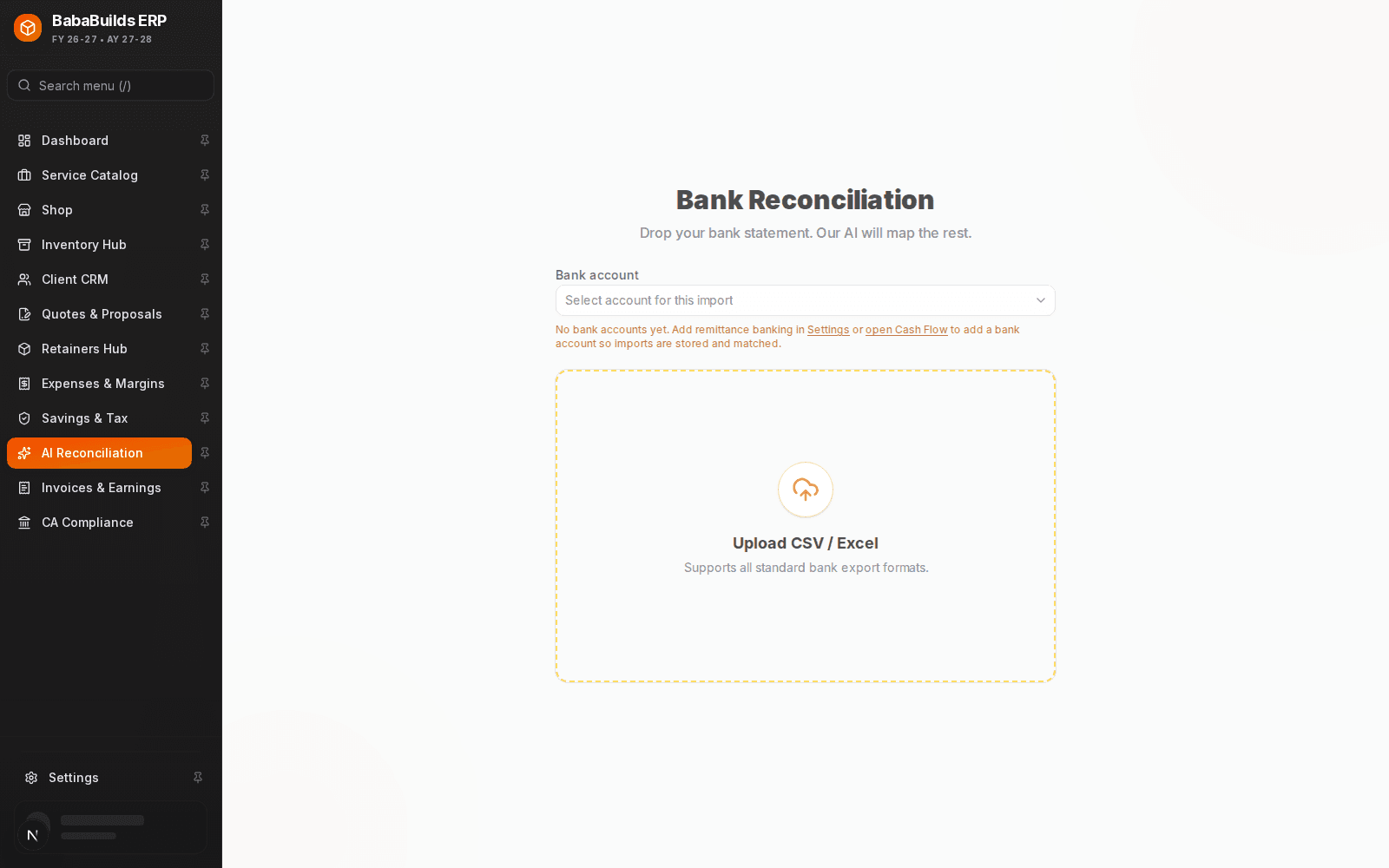
The Reconciliation Workflow
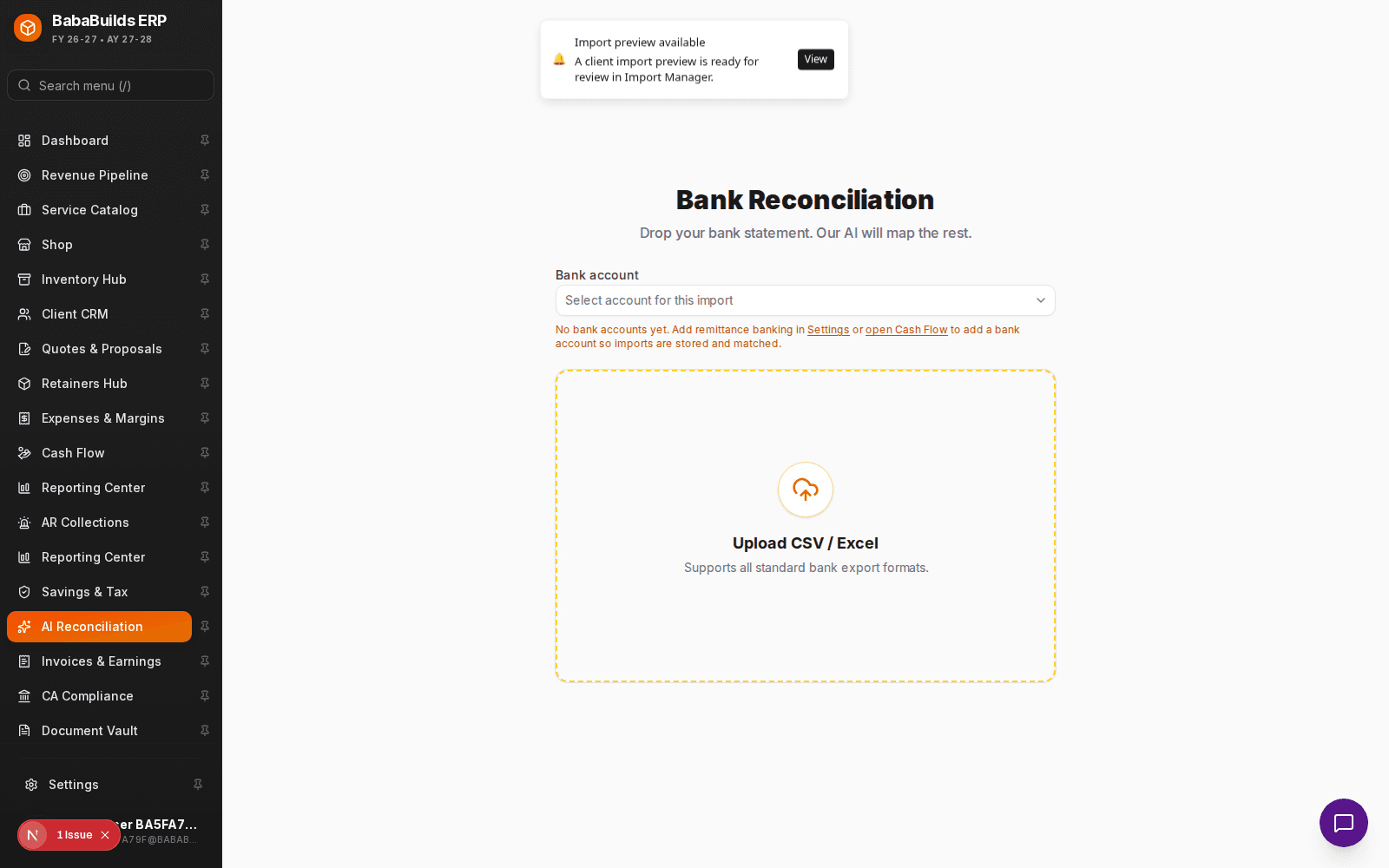
Import Bank Statement
Upload your monthly bank statement (CSV/OFX) into the reconciliation engine.
Run AI Matching
The system will automatically suggest matches based on exact amounts, dates, and vendor/client names.
Review and Confirm
Scan the suggested matches. For high-confidence matches, you can bulk-approve them.
Resolve Exceptions
For transactions the AI couldn't match confidently, manually search and assign them to the correct invoice, expense, or custom ledger account.
Finalizing Entries
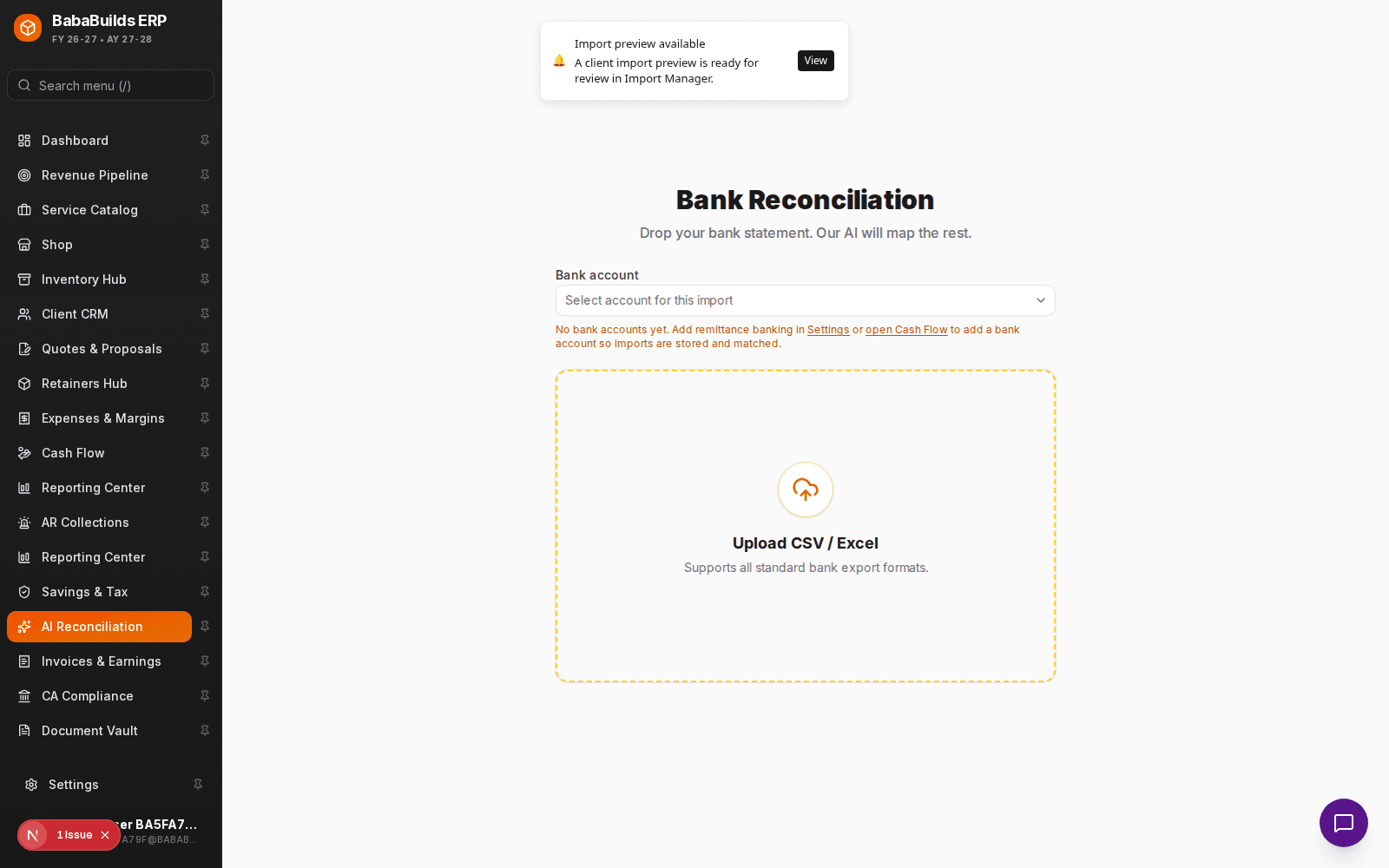
Once a bank transaction is matched to an invoice, that invoice is permanently marked as "Paid," updating your cash flow and dashboard metrics instantly.
Best Practices
Do
- Reconcile weekly rather than monthly to prevent a massive backlog and catch missing receipts early.
- Ensure your invoice numbers are clearly communicated to clients so they include them in their bank transfer reference fields (which drastically improves AI match rates).
Don't
- Blindly bulk-approve low-confidence matches. Always verify the client name against the payment source.
Was this helpful?
Your feedback improves the Help Center for everyone.
No personal data required. Keep feedback focused on the workflow.
Still have questions?
Our support team is just an email away.