Guide #14
Optional Module: Revenue Pipeline
Enable Revenue Pipeline to track proposal stages, stalled deals, and conversion blockers.
Optional Module: Revenue Pipeline
The Revenue Pipeline module gives you a stage-wise visual representation of your sales process. It highlights bottlenecks and stalled deals so you can take action before potential revenue slips away.
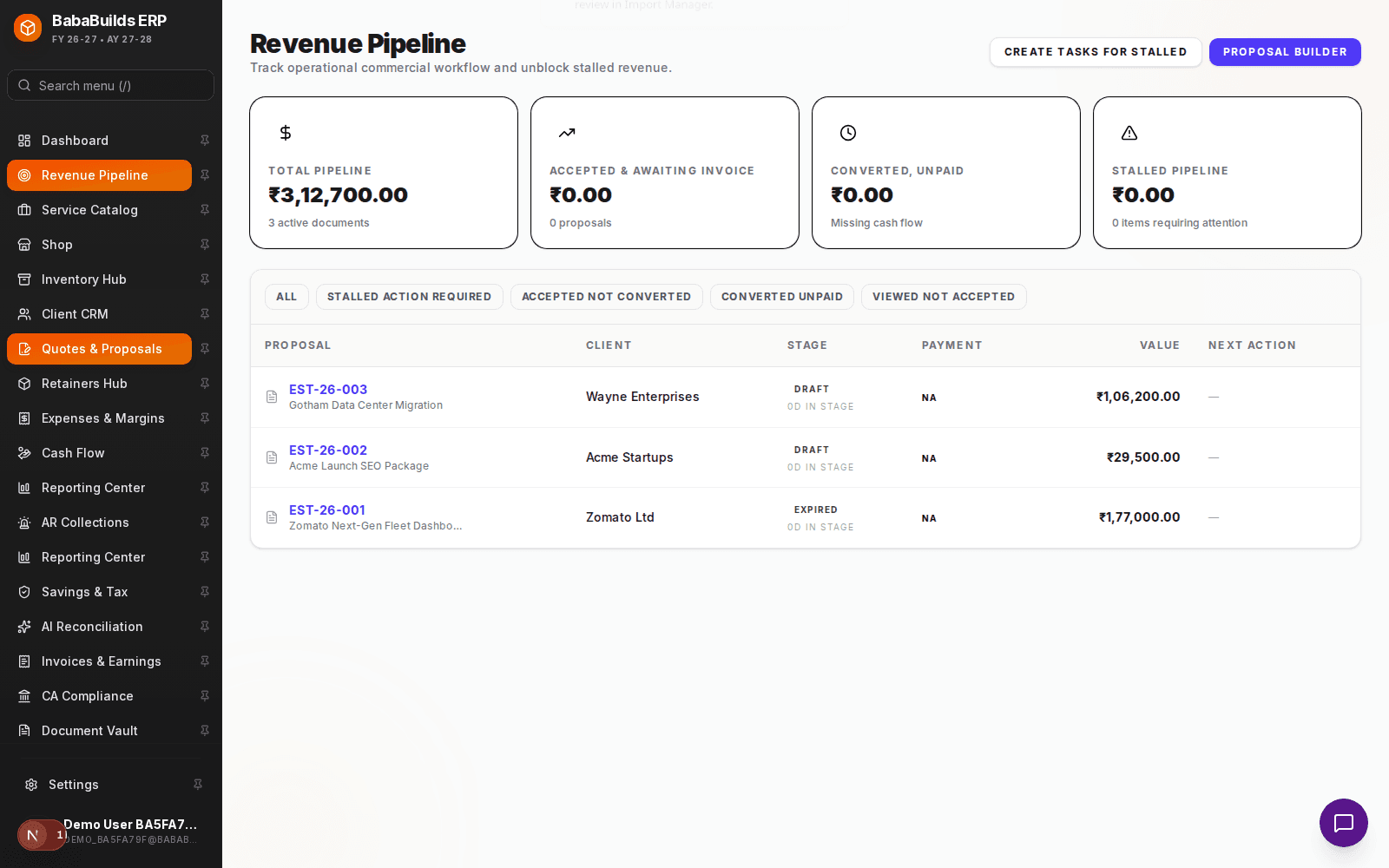
Setting Up Your Pipeline
Customize the pipeline stages to match your actual sales motion.
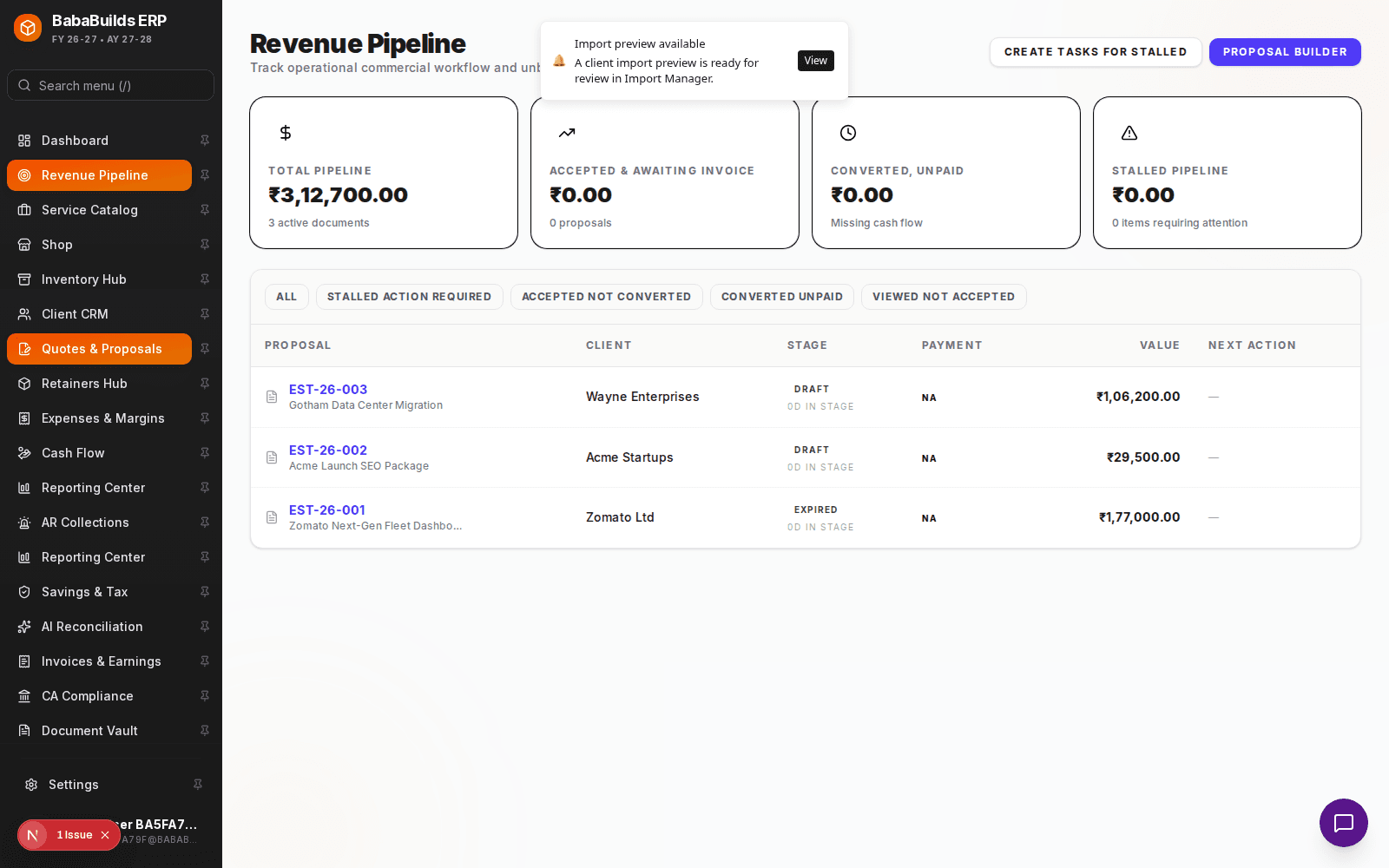
Enable the Module
Toggle on Revenue Pipeline in Settings > Workspace Modules.
Define Stages
Customize the default stages (e.g., Lead, Proposal Sent, Negotiation, Closed Won) to reflect how you sell.
Add Opportunities
Log new sales opportunities, assign a monetary value, and link them to an existing or prospective client in your CRM.
Managing Stalled Deals
The true value of the pipeline is identifying where deals get stuck.
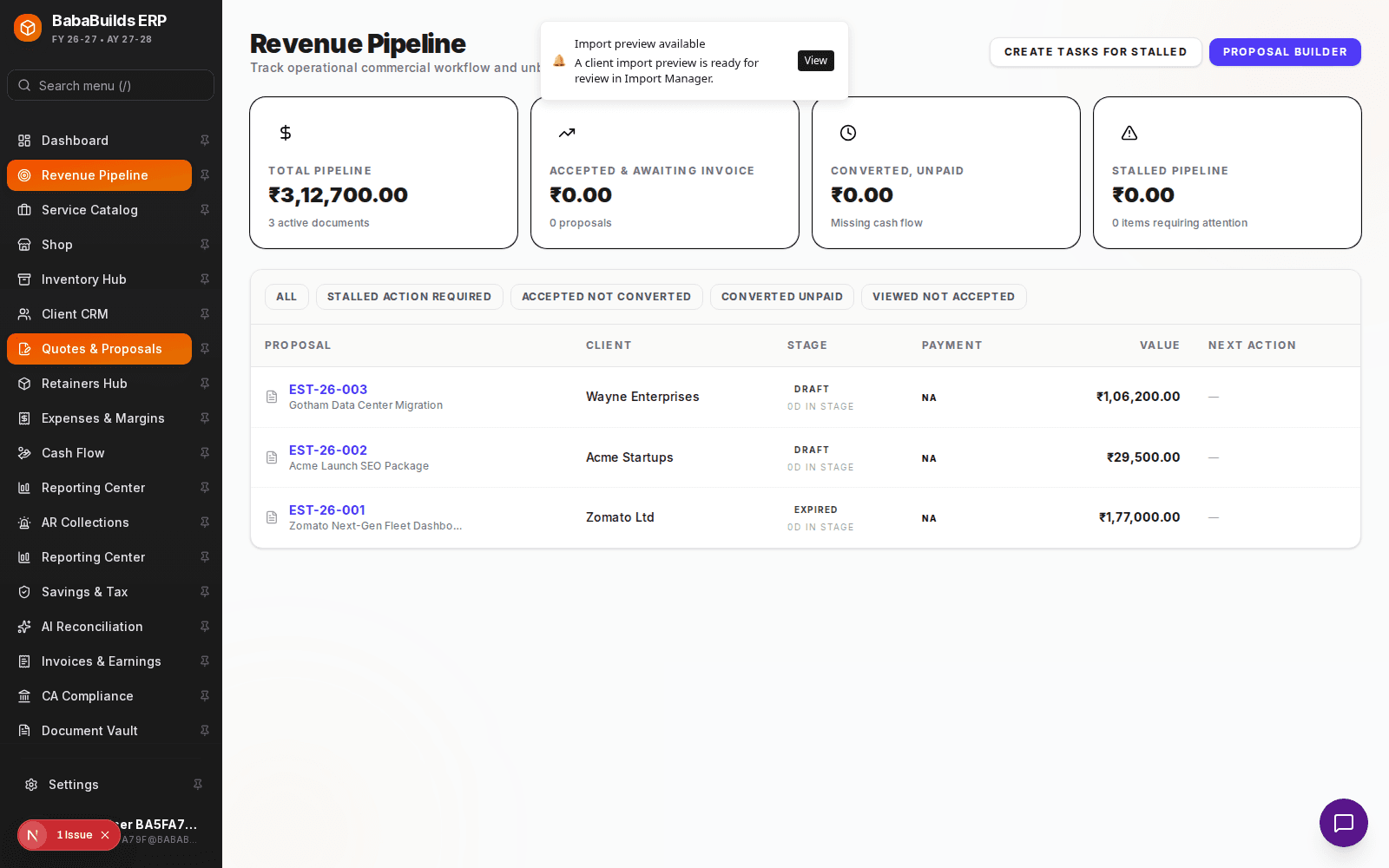
- Aging Opportunities: The system flags deals that have remained in the same stage for too long.
- Conversion Diagnostics: View reports on your win/loss ratio and analyze the primary reasons deals are lost.
Best Practices
Do
- Keep opportunity values as realistic as possible to ensure accurate revenue forecasting.
- Move "Dead" deals to a closed-lost status rather than leaving them indefinitely in the pipeline.
Don't
- Create too many stages; keep it to 4-6 key milestones to prevent your team from getting bogged down in micro-updates.
Was this helpful?
Your feedback improves the Help Center for everyone.
No personal data required. Keep feedback focused on the workflow.
Still have questions?
Our support team is just an email away.