Guide #19
Optional Module: Import Manager
Enable Import Manager for controlled CSV/XLSX imports with mapping and validation.
Optional Module: Import Manager
The Import Manager is designed to safely handle bulk data creation and upsert workflows (e.g., migrating clients from an old system or bulk-adding inventory items) using a preview-first validation process.
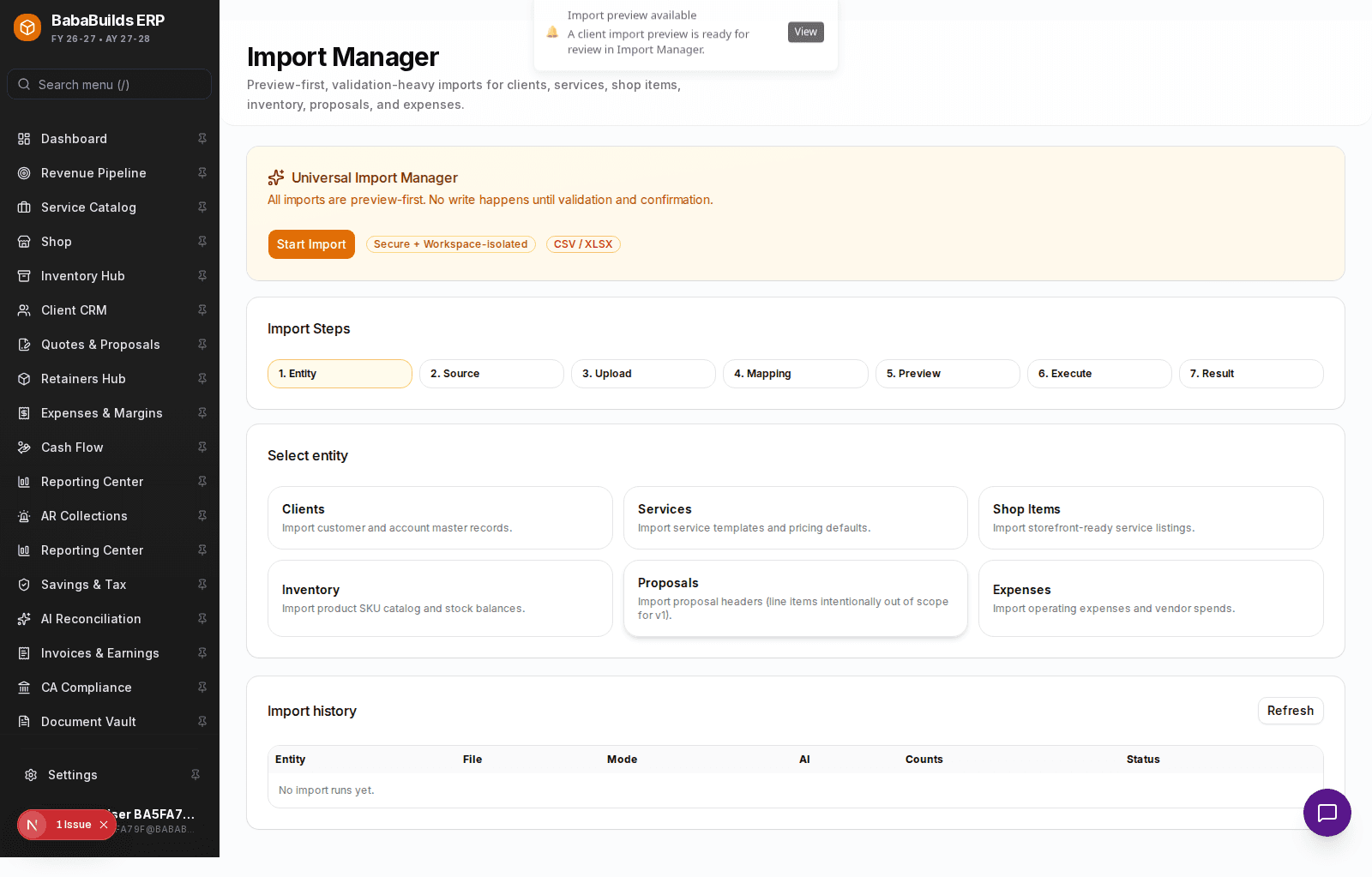
Performing a Bulk Import
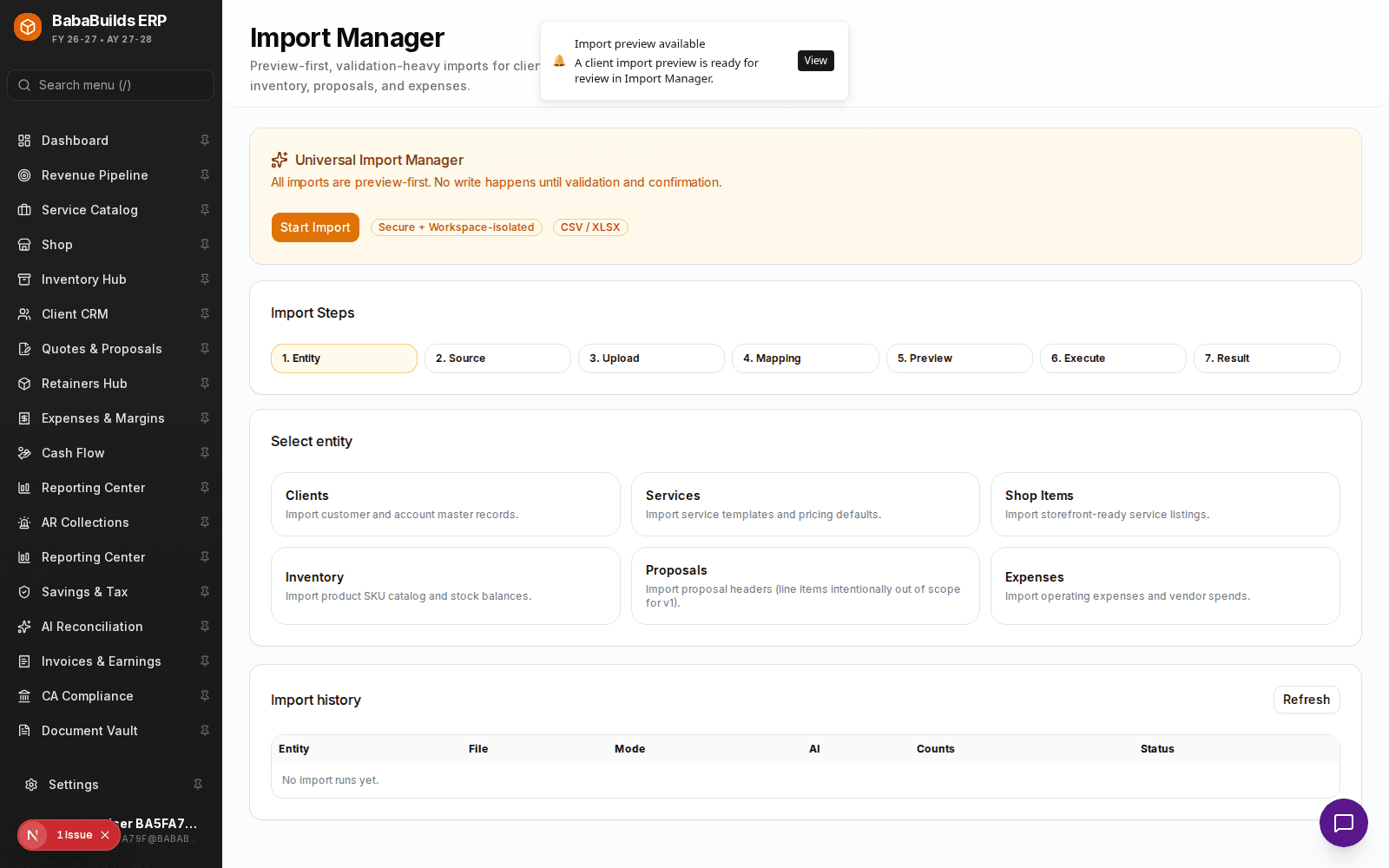
Enable the Module
Toggle on Import Manager in Settings > Workspace Modules.
Upload File
Upload your CSV or Excel (
.xlsx) file.Map Columns
Map the columns from your uploaded file to the corresponding fields in BabaBuilds ERP (e.g., mapping "Email Address" to "Primary Contact Email").
Review Validation
The system will run a pre-check to identify any malformed data, such as invalid email formats or missing required fields.
Execute Import
Once validation passes, confirm the import. The system will process the records and provide a final success report.
Reviewing Past Imports
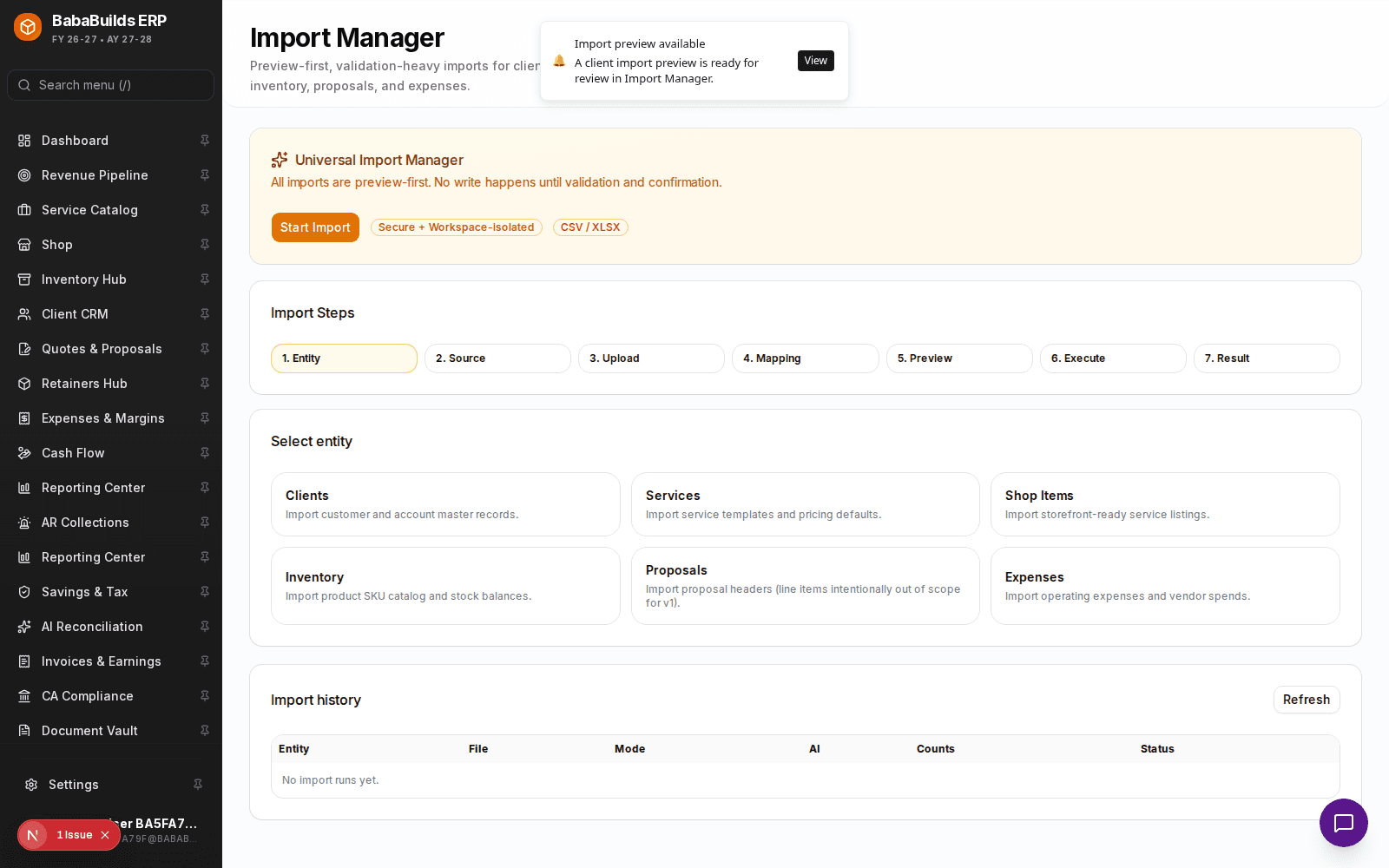
- Run History: Access the logs of all past imports, including who initiated them and when.
- Rollback Capabilities: If an import contained massive errors, you can initiate a rollback to remove the imported records (available for 24 hours post-import).
Best Practices
Do
- Clean your data in Excel or Google Sheets before uploading. Remove blank rows and ensure date formats are consistent.
- Run a small test import of 5-10 records before attempting to import thousands of rows.
Don't
- Attempt to import data while team members are actively modifying related records, to prevent version conflicts.
Was this helpful?
Your feedback improves the Help Center for everyone.
No personal data required. Keep feedback focused on the workflow.
Still have questions?
Our support team is just an email away.