Guide #18
Optional Module: Reporting Center
Enable Reporting Center for governed analytics, preset reports, and export workflows.
Optional Module: Reporting Center
The Reporting Center provides role-aware analytics with curated presets, visual dashboards, and workbook exports to help you understand business performance.
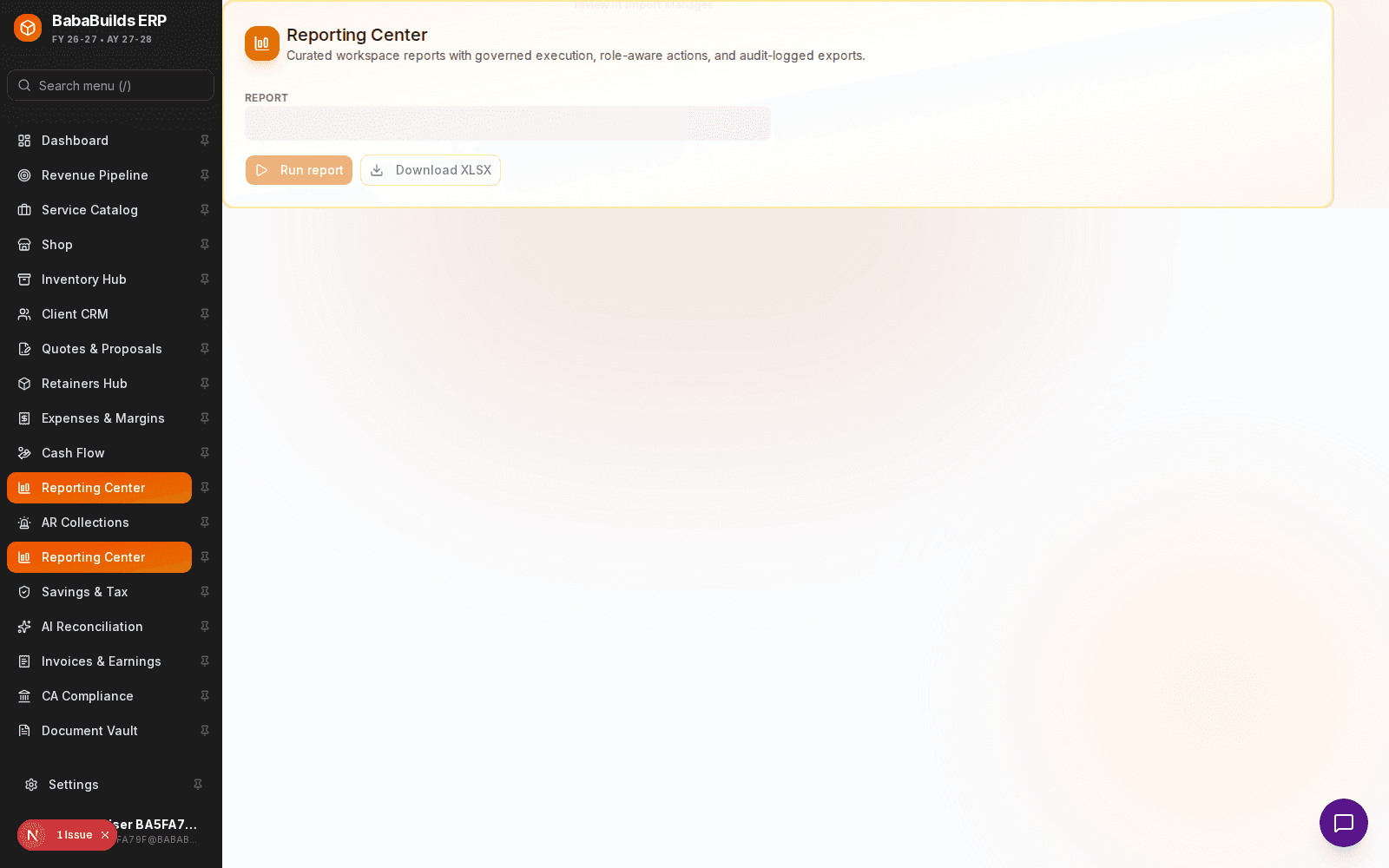
Generating Reports
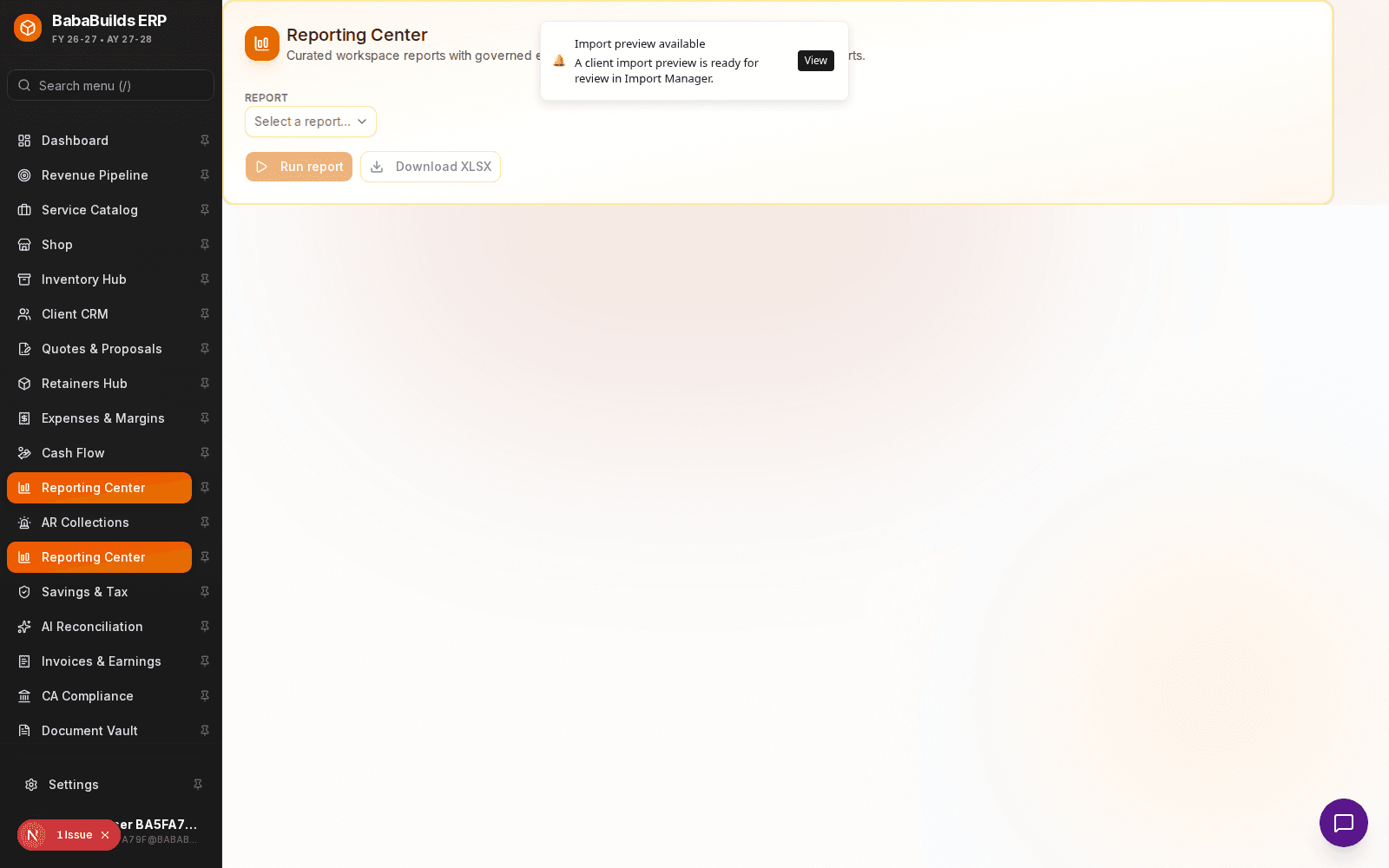
Enable the Module
Toggle on Reporting Center in Settings > Workspace Modules.
Select a Preset
Choose from standard templates like "Profit & Loss", "Tax Liability Summary", or "Revenue by Client".
Apply Filters
Narrow the dataset by specifying date ranges, specific departments, or client categories.
Run and Export
Generate the visual report on-screen, and use the Export button to download it as a PDF or Excel workbook.
Deep Dives and Analytics
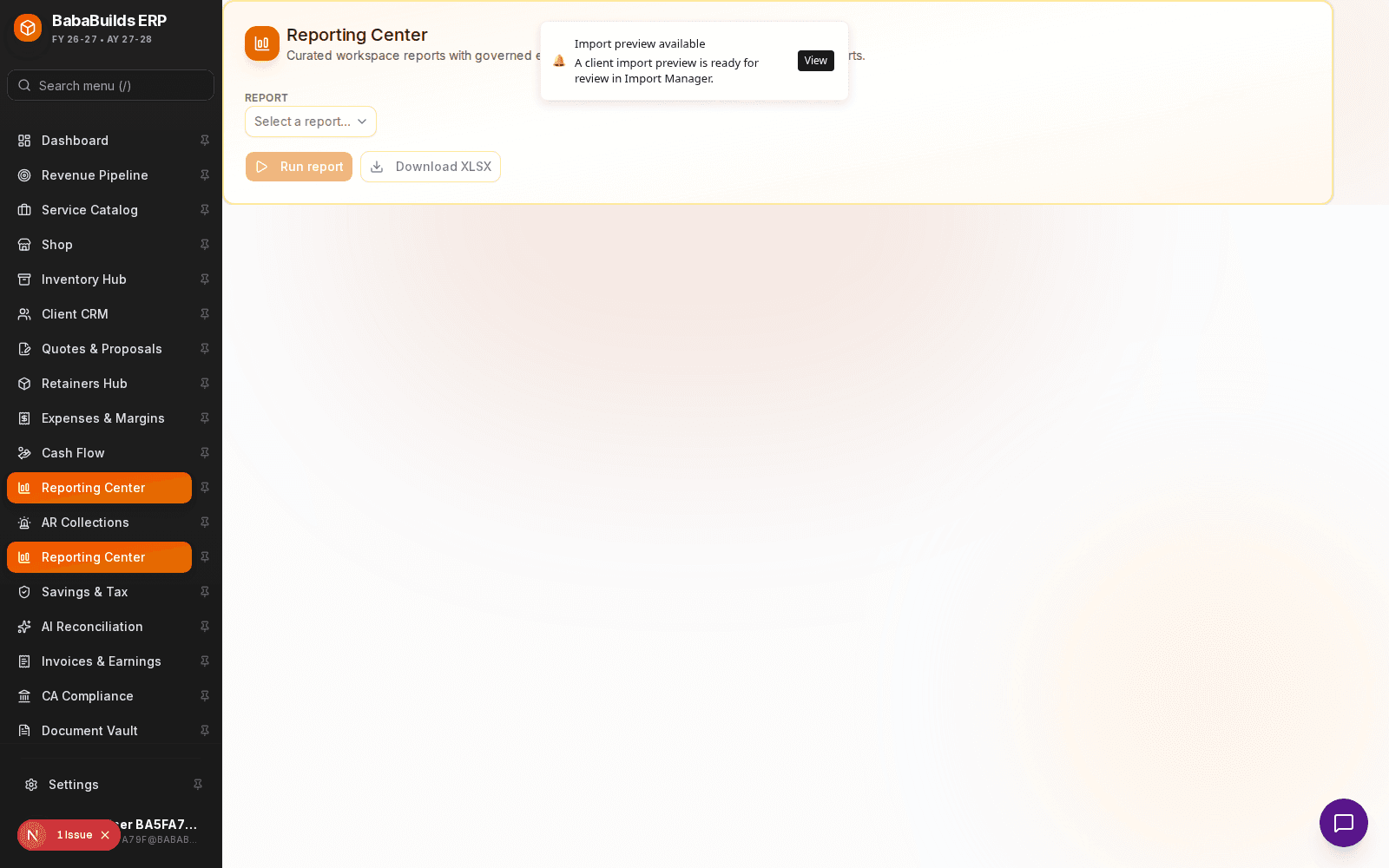
- Drill-Down Capabilities: Click into high-level summary charts to view the individual ledger transactions making up that total.
- Saved Views: If you run the same filtered report every month, save it as a Custom View for one-click access later.
Best Practices
Do
- Schedule a recurring calendar block on the 1st of every month to run your P&L and AR aging reports.
- Export to Excel (
.xlsx) if your accountant needs to manipulate the raw data for tax filings.
Don't
- Rely on cached reports when making critical financial decisions. Always run a fresh report to ensure the latest transactions are included.
Was this helpful?
Your feedback improves the Help Center for everyone.
No personal data required. Keep feedback focused on the workflow.
Still have questions?
Our support team is just an email away.