Guide #4
Setting Up Retainers, MRR, and Renewal Operations
Recurring revenue operations guide with retainer setup, health monitoring, and renewal discipline.
Setting Up Retainers, MRR, and Renewal Operations
Retainers provide predictable, recurring revenue, which is the lifeblood of a stable agency or consultancy. This guide helps you run them with discipline, giving you clear visibility into your Monthly Recurring Revenue (MRR) and upcoming renewals.
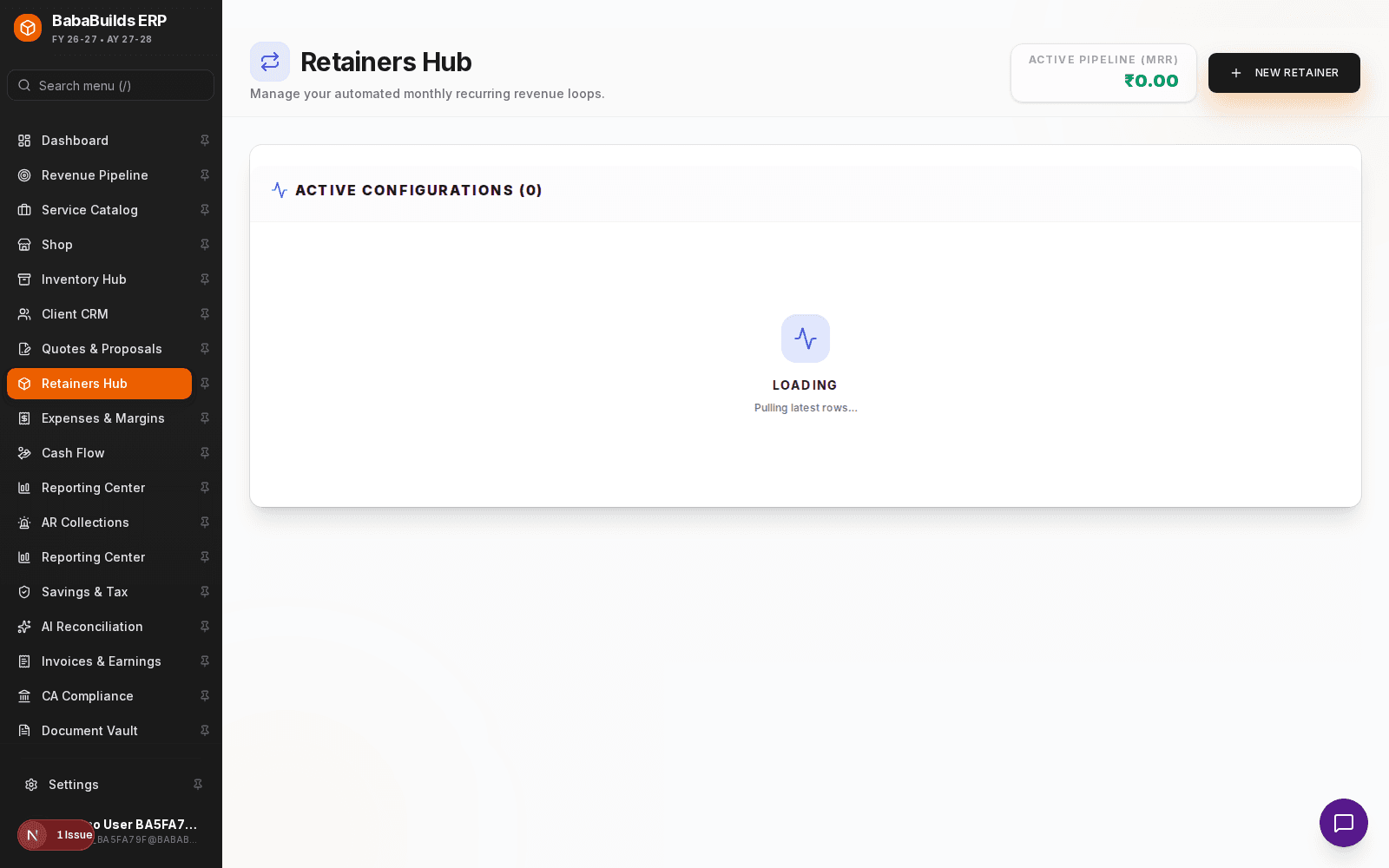
Creating a Retainer Agreement
When a client signs a recurring contract, log it as a Retainer in the ERP to ensure it is tracked for MRR calculations and automated invoice drafting.
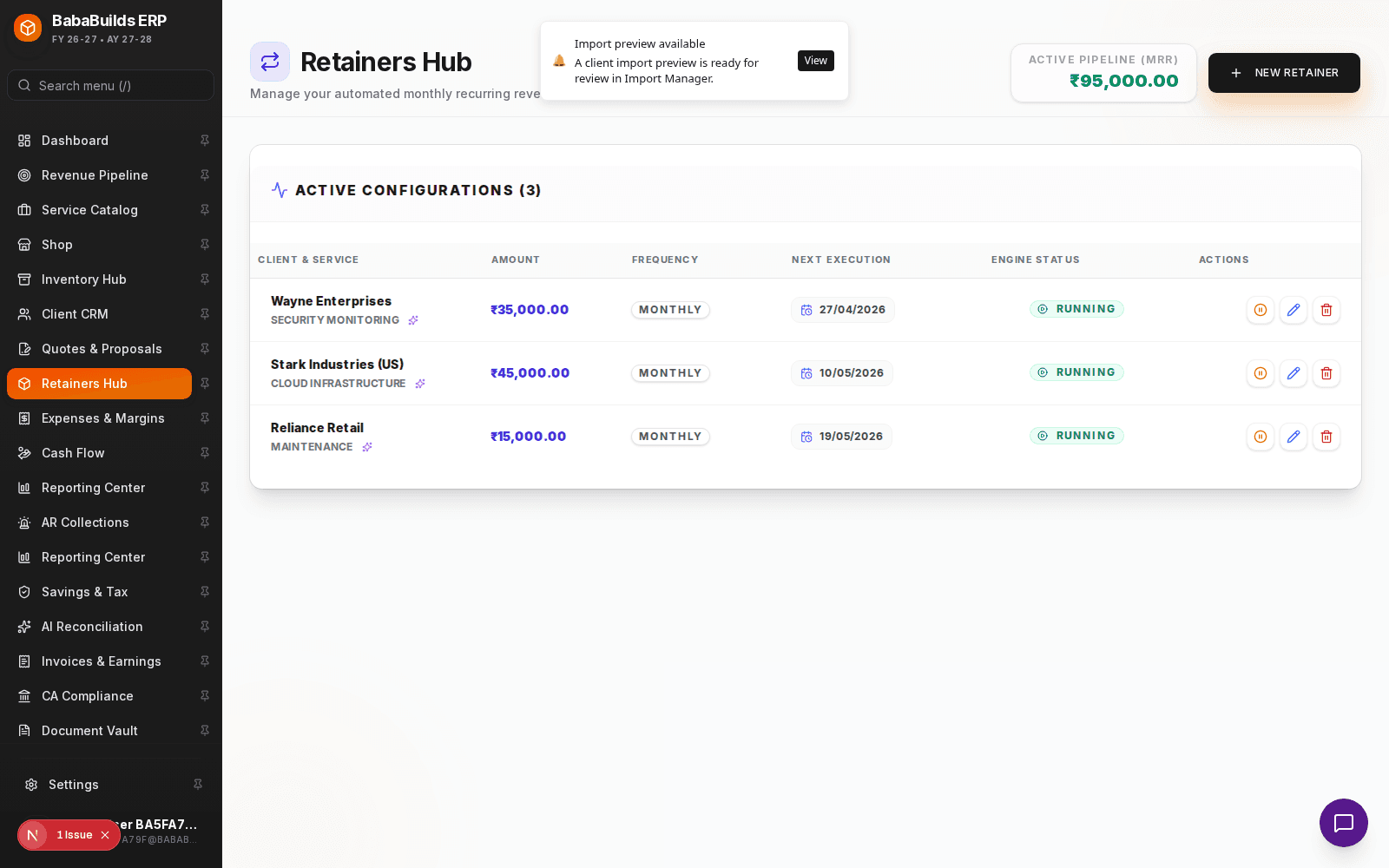
Open Retainers Module
Navigate to the Retainers section from the sidebar.
Log New Retainer
Click Add New Retainer and link it to an existing client from your CRM.
Define the Schedule
Set the billing frequency (e.g., Monthly, Quarterly) and the contract start/end dates.
Add Deliverables
Pull items from your Service Catalog that make up the recurring deliverables.
Monitoring Health and Renewals
A retainer isn't just a billing schedule; it's a relationship that requires monitoring.
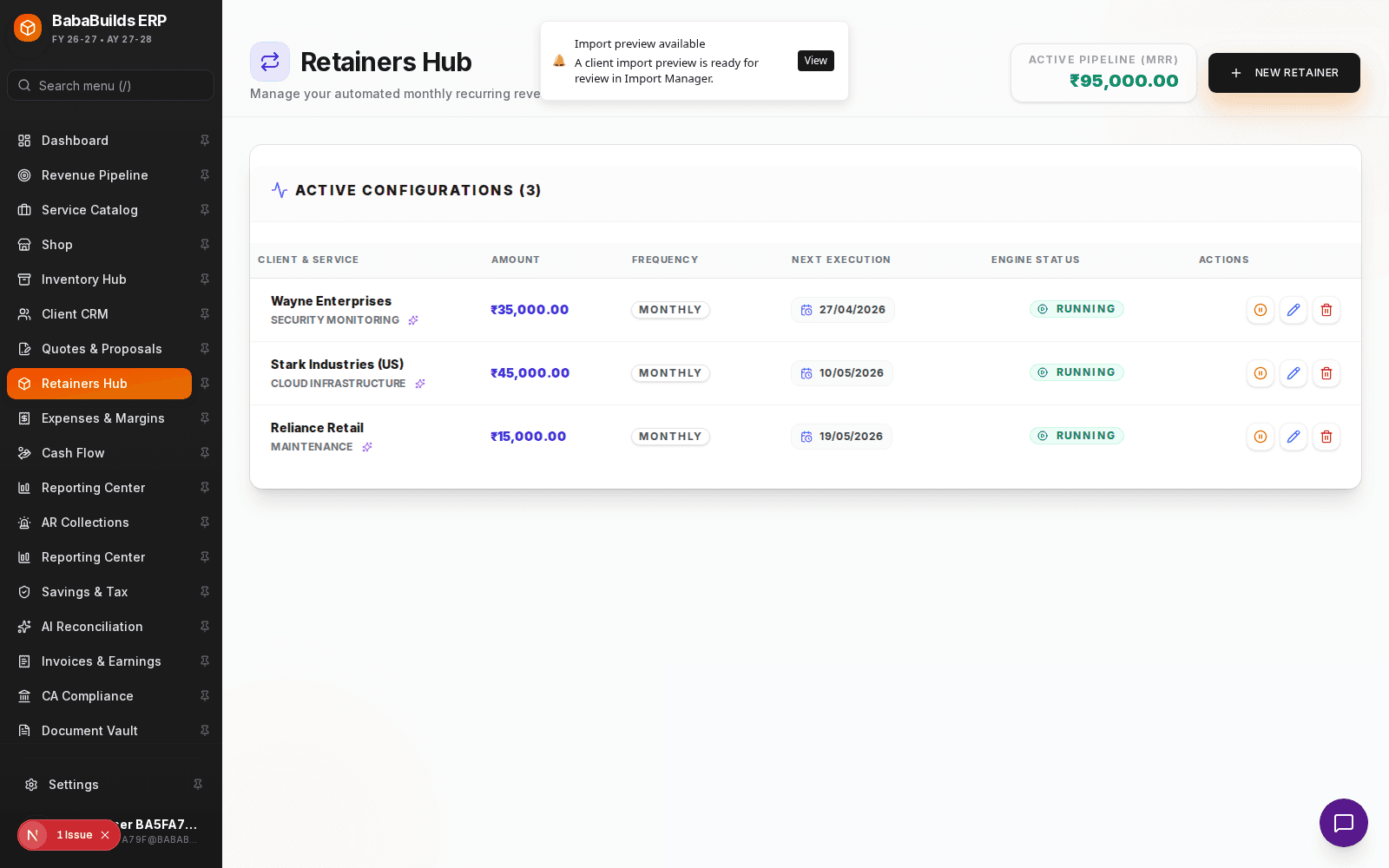
- Upcoming Renewals Alert: The dashboard and retainer module will flag contracts nearing their end date so you can initiate renewal conversations.
- MRR Impact: Every active retainer contributes to your global MRR metric, allowing you to forecast cash flow accurately.
Best Practices
Do
- Set retainer end dates, even if the contract is "ongoing". This forces a deliberate annual review of pricing and scope.
- Use the detailed notes field to track the specific KPIs or goals promised to the client for that retainer cycle.
Don't
- Forget to mark a retainer as "Cancelled" or "Paused" if the client churns. Failing to do so will falsely inflate your MRR metrics.
- Rely on memory to send recurring invoices. Let the retainer module generate draft invoices automatically based on the schedule.
Troubleshooting
| Problem | Likely reason | Fix | |---|---|---| | MRR metric is incorrect | Expired retainers are still marked active | Review your retainer list and close out any contracts that have ended. | | Retainer invoice didn't generate | Start date is in the future | Check the contract start date. Automated drafts only begin on or after the start date. |
Was this helpful?
Your feedback improves the Help Center for everyone.
No personal data required. Keep feedback focused on the workflow.
Still have questions?
Our support team is just an email away.