Guide #29
Referrals & Rewards
Manage referral performance, reward tracking, and growth loop execution.
Referrals & Rewards
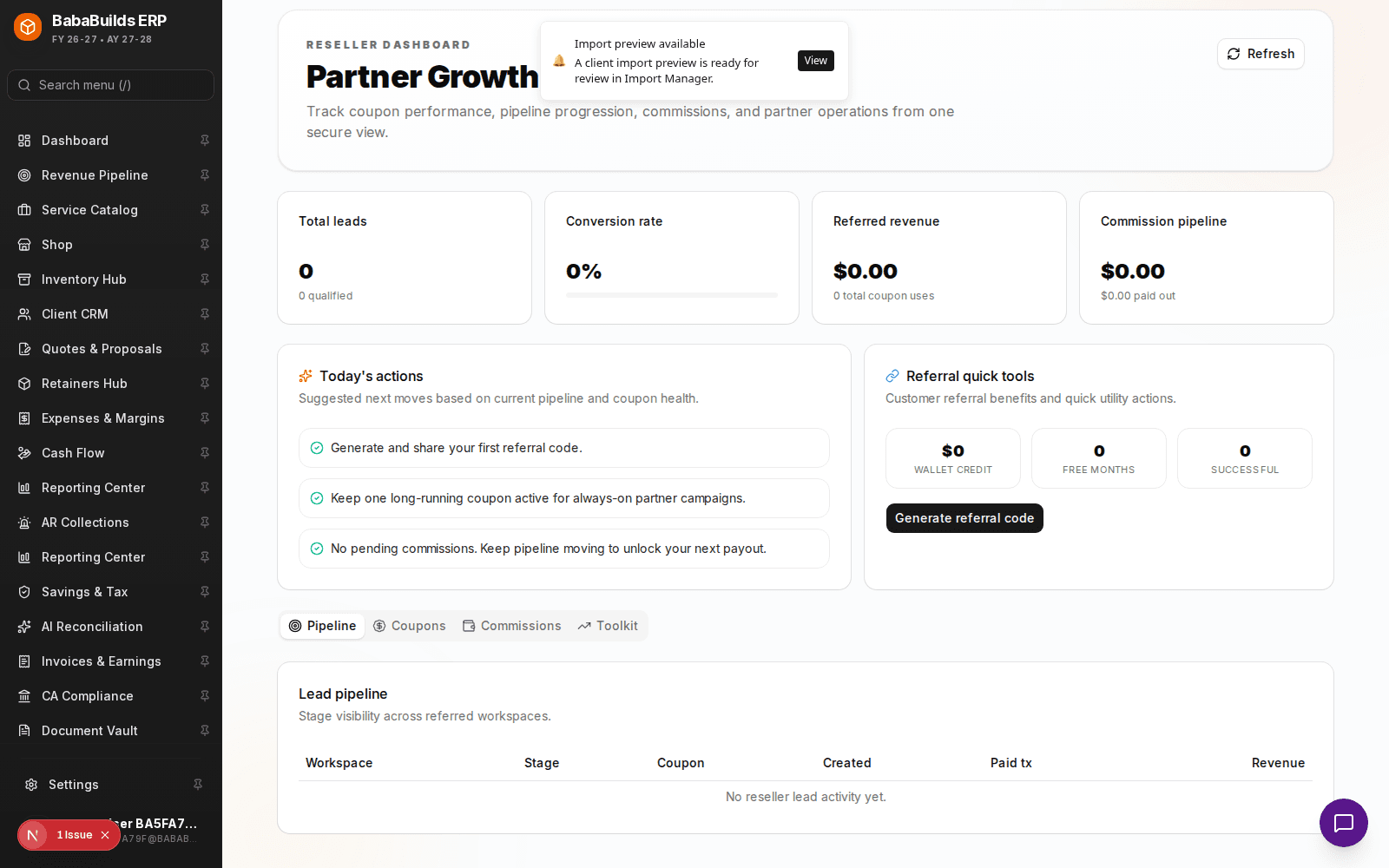
The Referrals module tracks your partner and customer-led growth initiatives, making it easy to see who is sending you business and ensuring they receive their promised rewards.

Managing Referral Workflows
Log a Referral
When a new lead arrives via an existing client or partner, log the referral in the system, linking the new prospect to the referring partner.
Track Conversion
Monitor the prospect as they move through your Revenue Pipeline. The system automatically attributes the eventual closed-won revenue to the referrer.
Issue Rewards
Once the referred client pays their first invoice, the system flags the referrer for a reward payout (e.g., a cash bonus or invoice credit).
Performance Analytics
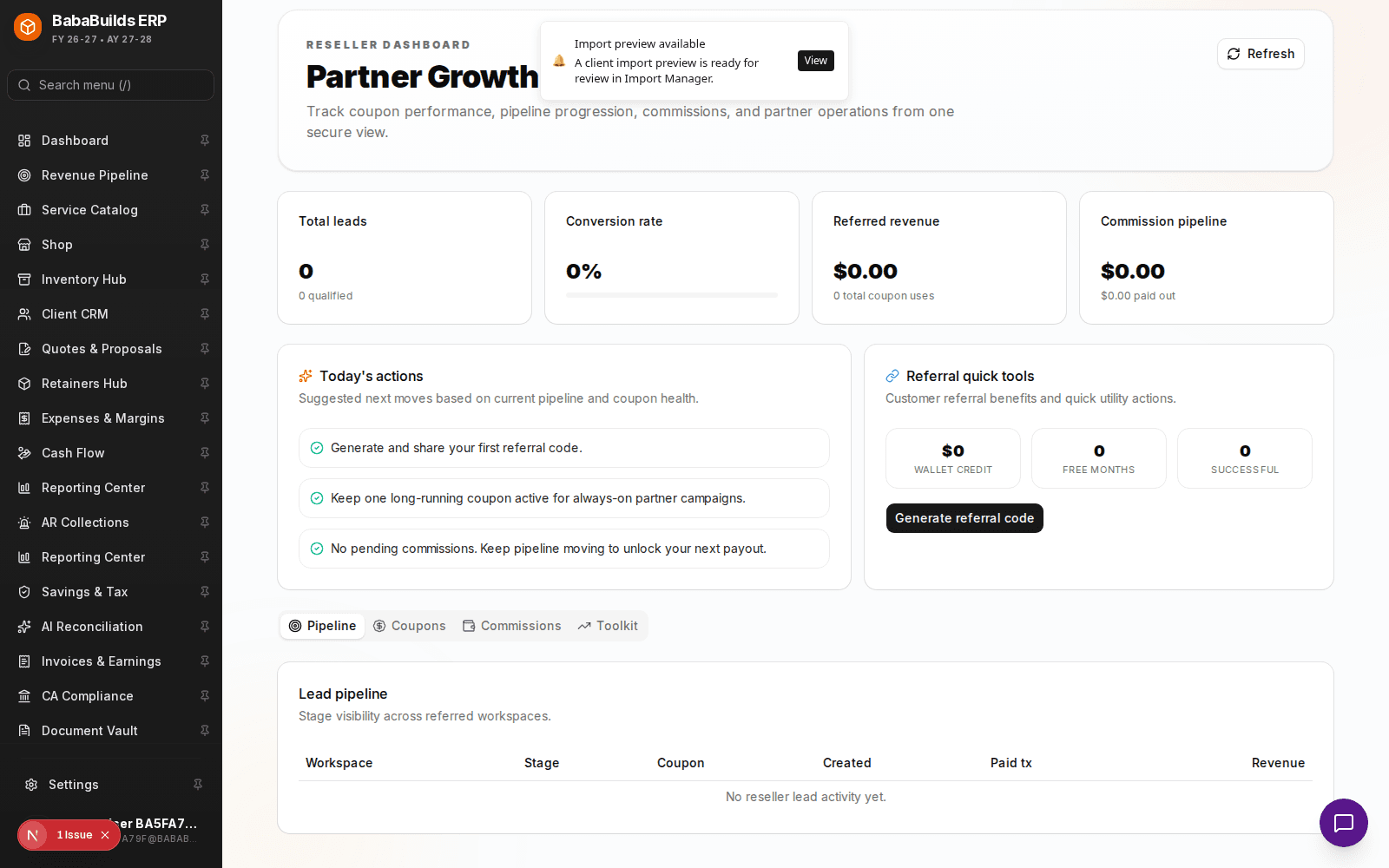
- Top Partners: Identify which clients or affiliates are generating the highest volume of qualified leads.
- Conversion Rate: Analyze how many referred leads actually turn into paying customers compared to your inbound marketing channels.
Best Practices
Do
- Define clear reward tiers (e.g., $500 for a successful close, or a 10% discount on their next invoice).
- Promptly pay out rewards. A delayed payout destroys trust and halts future referrals.
Don't
- Offer rewards for unqualified leads. Only issue payouts after the new client has signed a contract or paid their first invoice.
Was this helpful?
Your feedback improves the Help Center for everyone.
No personal data required. Keep feedback focused on the workflow.
Still have questions?
Our support team is just an email away.